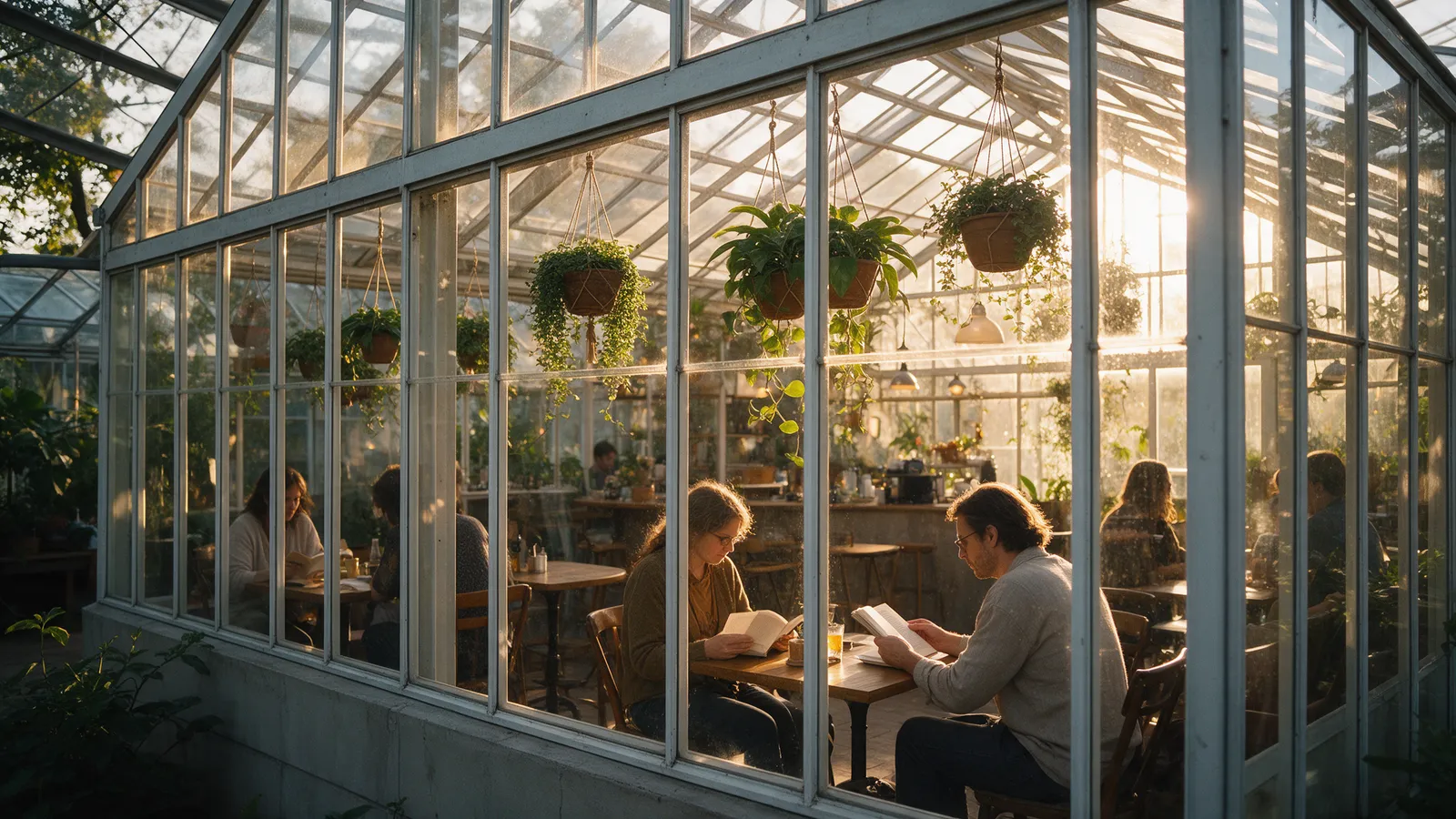
Seedream 5.5 Image Generator
Turn a prompt or a photo into a 1K or 2K image
Drop in a photo or describe a scene. Get an image in 1K or 2K.
Sign up with Google to get free trial credits. No card required.
- Output size
- 1K · 2K
- Aspect ratios
- 8 ratios
- Image to image
- Up to 10 references
- If a task fails
- Credits back
Describe the scene, or drop in up to 10 reference images. Pick the resolution, and watch it render in your browser.
Sign up with Google to get free trial credits. No card required.
≈ 10 credits for this image
Credits are used only when an image is generated. If generation fails, they're returned automatically.
Use only content you have the right to submit. Review the Terms, including Acceptable Use, and report safety or abuse issues.
Task
Generation status
Before you start
- 1Name the subject, the style and the composition, e.g. "wide shot".
- 2Say where the light comes from and the mood you want.
- 3For image to image, describe only what should change in the photo.
Every generated image is a PNG. To steer style, lighting or composition, describe them in your prompt, e.g. “soft studio light, shallow depth of field”. If you leave it out, the model picks them itself.
Made with Seedream 5.5
See it, then make your own
Images made by our team with this generator. Pick one, reuse the prompt, and change it to fit your idea.
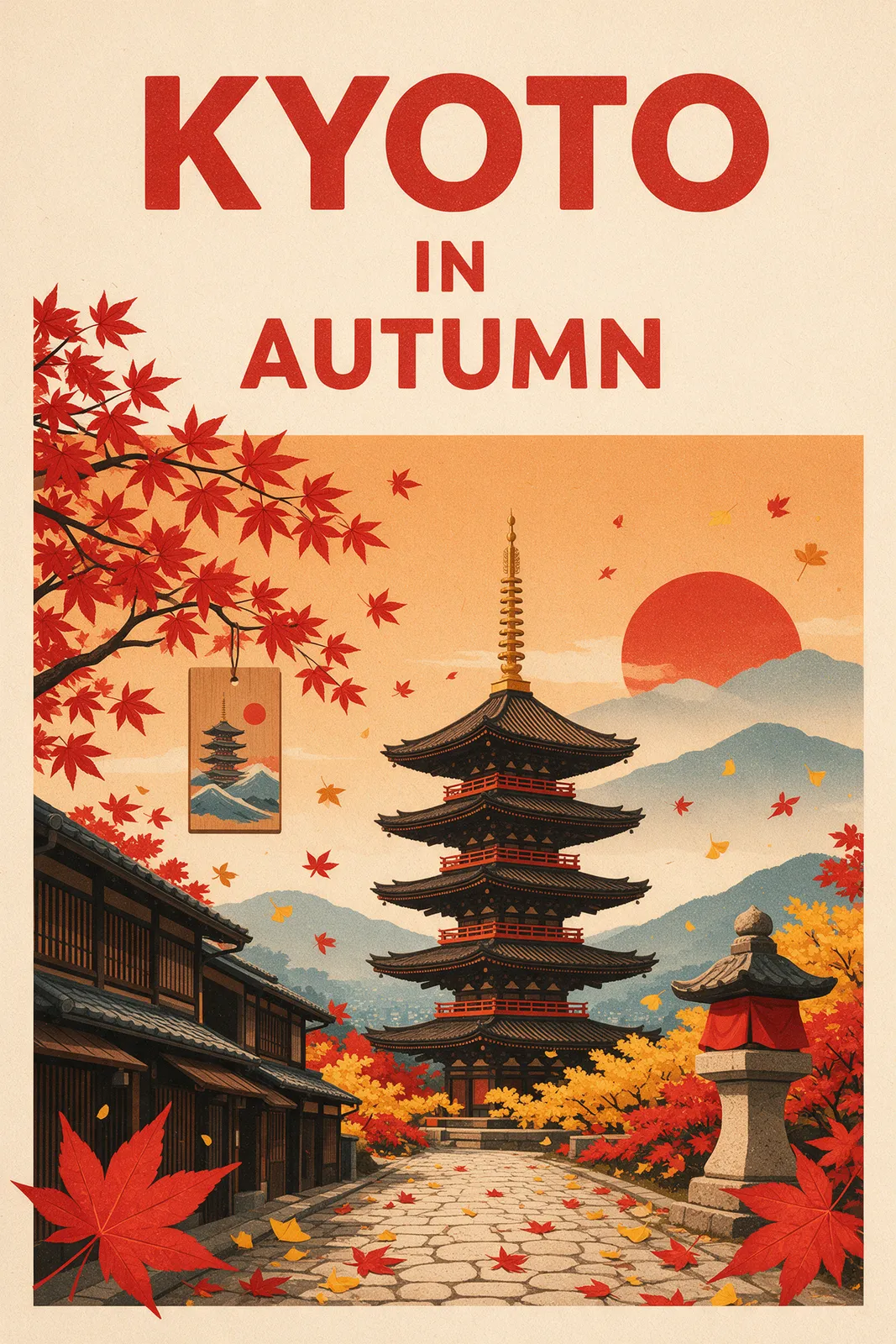 Seedream 5.5
Poster with readable text
Try a similar prompt
A retro travel poster for Kyoto with the words "KYOTO IN AUTUMN" in bold clean lettering at the top, red maple leaves, a pagoda, flat screen-print style
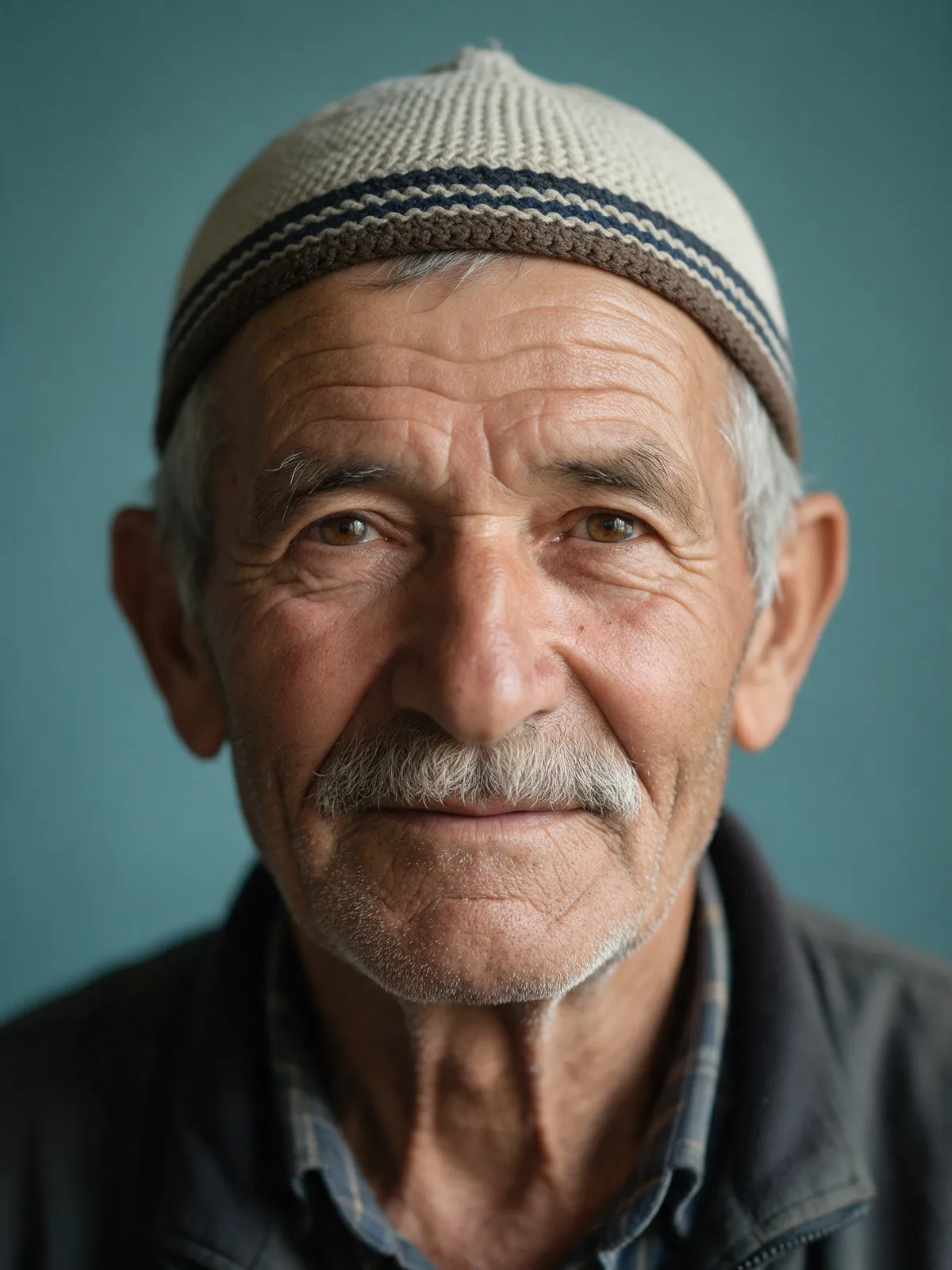 Seedream 5.5
Studio portrait
Try a similar prompt
Studio portrait of an elderly fisherman with a knitted cap, soft window light, detailed skin texture, muted teal background, 85mm lens
 Seedream 5.5
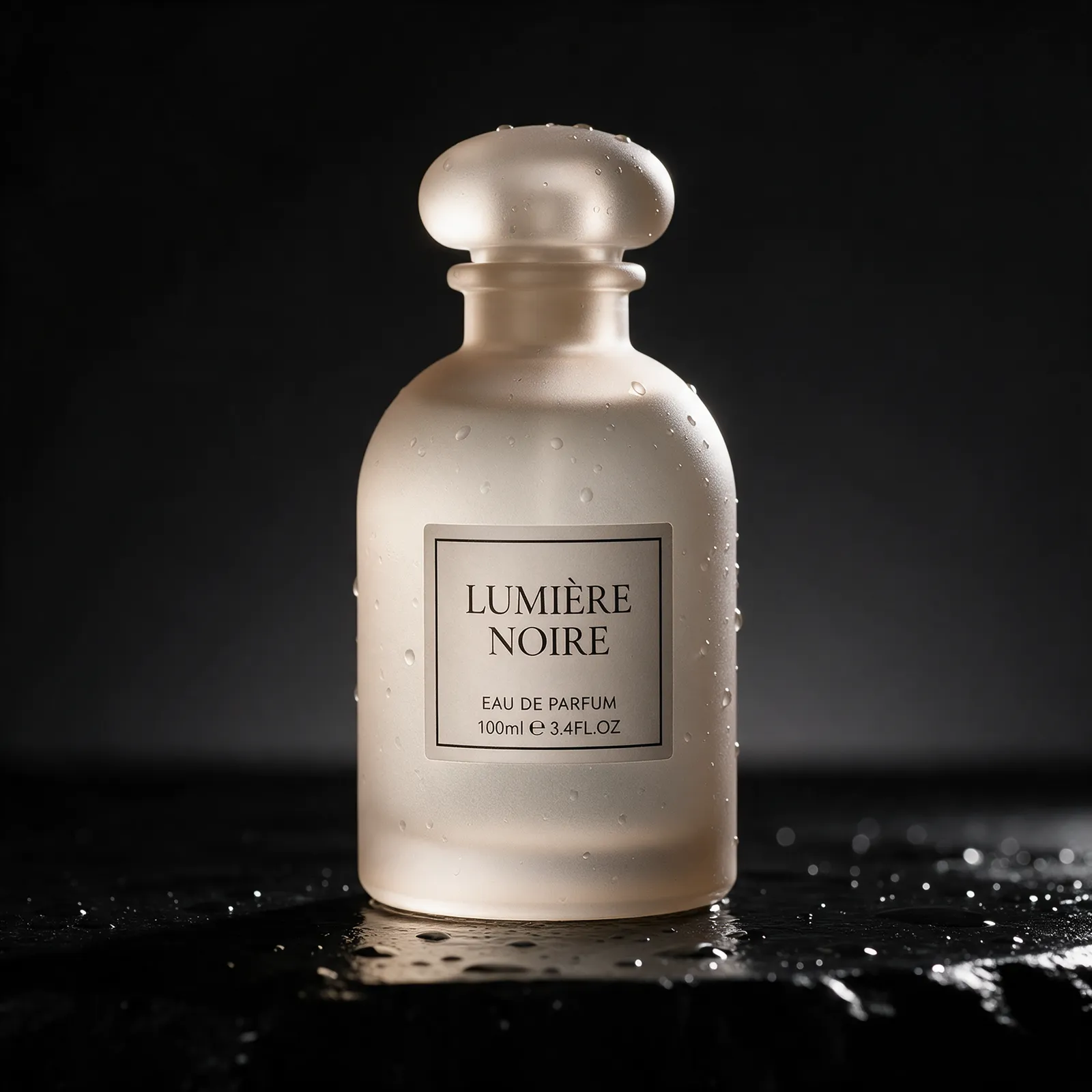
Product photo
Try a similar prompt
Product photo of a frosted glass perfume bottle on wet black stone, small water droplets, single rim light, minimal luxury style
 Seedream 5.5
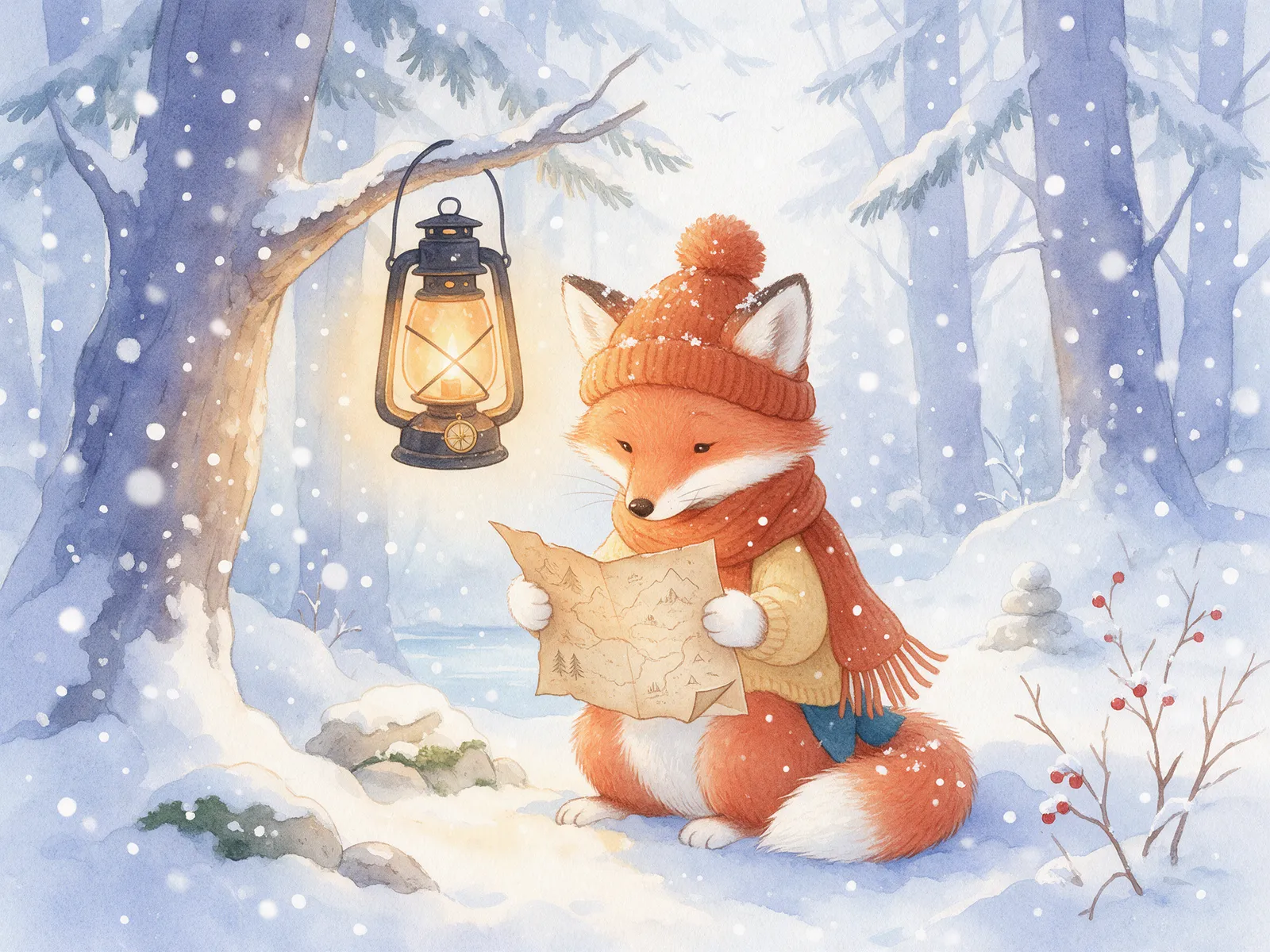
Picture-book illustration
Try a similar prompt
Children's book illustration of a small fox reading a lantern-lit map in a snowy forest, soft watercolor texture, cozy palette
Seedream 5.5 Image Generator Pricing
Credit plans for text-to-image and image-to-image tasks. The credits used per image depend on its resolution.
Image counts assume 1K images at 10 credits each. 2K images use 16 credits.
Basic Plan
Try Seedream 5.5 text-to-image and image-to-image: images at 1K or 2K.
≈ 36 images / month
- 360 credits monthly
- Text-to-image and image-to-image
- Images at 1K or 2K
- Email support
Pro Plan
Text-to-image and image-to-image. Add up to 10 reference images, and generate images at 1K or 2K.
≈ 152 images / month
- 1520 credits monthly
- Text-to-image and image-to-image
- Images at 1K or 2K
- Email support
Max Plan
Product images, e-commerce visuals, social posts and storyboards, from a prompt or a single image.
≈ 360 images / month
- 3600 credits monthly
- Text-to-image and image-to-image
- Images at 1K or 2K
- Email support
Ultra Plan
For enterprise & studio teams
≈ 800 images / month
- 8000 credits monthly
- Text-to-image and image-to-image
- Images at 1K or 2K
- Email support
Learn more
About the Seedream 5.5 image generator
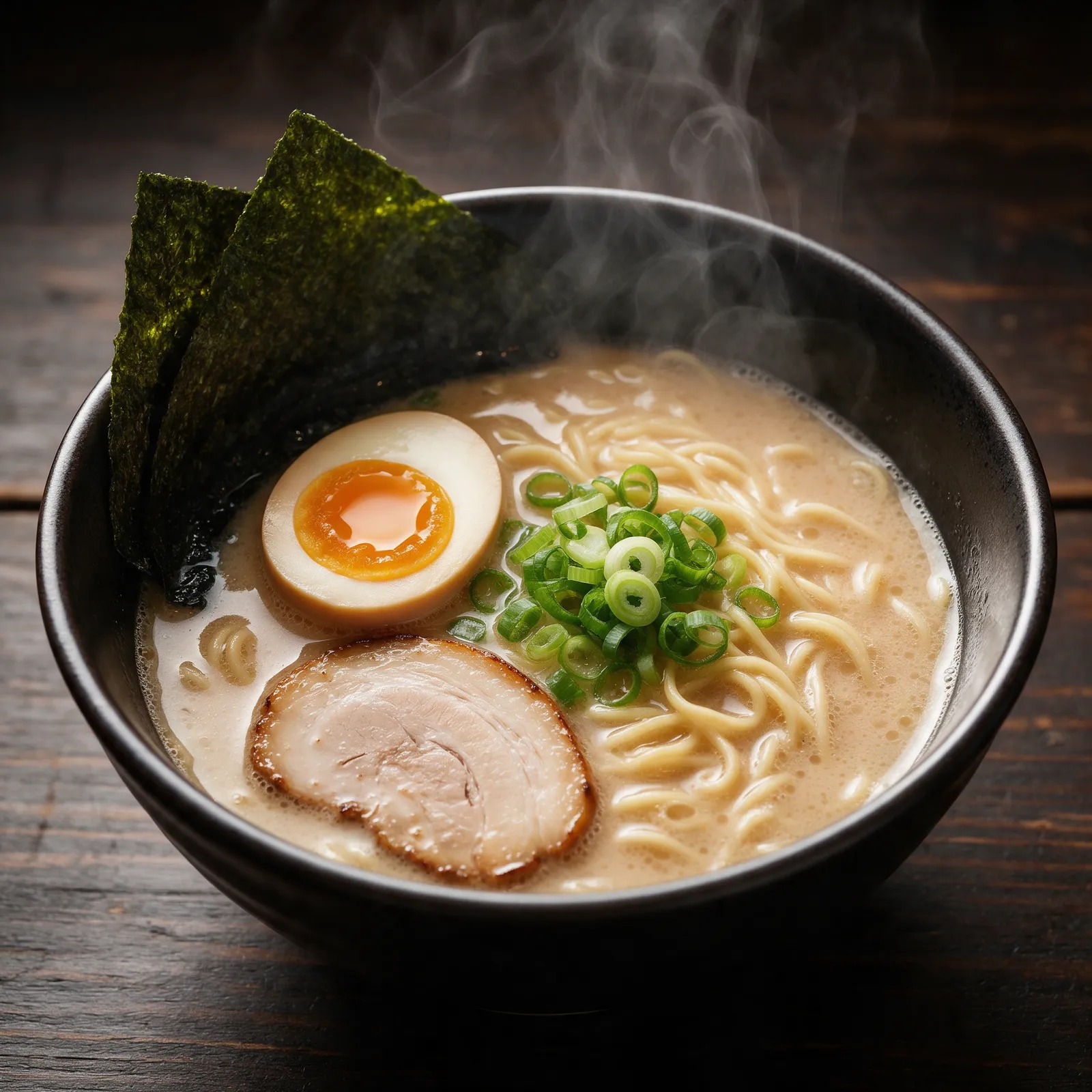
seedream55.io gives you a simple interface to the Seedream 5.5 image model. You write a prompt or upload reference images, pick a size and an aspect ratio, and the service tracks the task and shows the result in your browser.
Start from text or images
Describe the scene in a prompt of up to 5,000 characters, or add up to 10 reference images for image-to-image.
Pick size and ratio
Choose 1K or 2K, and one of eight aspect ratios. Both modes use the same settings.
How a task works
- 1
Describe or upload
Write a prompt, or upload up to 10 reference images you have the rights to use.
- 2
Choose settings
Pick the resolution and the aspect ratio.
- 3
Track the result
The task status updates automatically, and the finished image appears in the page.
Only the options listed below are offered on this site. Each one maps to a documented setting of the text-to-image or image-to-image model.
Text to image
Describe the scene, the style and the mood. Get an image from the text-to-image model.
- Prompts up to 5,000 characters
- Aspect ratios: 1:1, 4:3, 3:4, 16:9, 9:16, 2:3, 3:2, 21:9
- 1K or 2K output
Image to image
Add up to 10 reference images. Your product shot or character stays the anchor while the model applies the change.
- JPEG, PNG, or WebP up to 5 MB
- 256–5760 px per side
- Upload only images you own or have permission to use
Any size, any format
1K for drafts, 2K for final images. Eight aspect ratios, from 1:1 to 21:9.
- 1K = 10 credits
- 2K = 16 credits
- Cost depends on resolution
Failed? Credits come back.
Every task is tracked on the server. Credits are reserved when a task starts and released automatically if generation fails.
- Automatic status updates
- Failed tasks release reserved credits
- Retries reuse the same task instead of creating duplicates
Pick a mode, describe what you want, choose the settings, and generate. It takes a short while per image.
- 1
Choose a mode
Select text-to-image, or image-to-image if you want to start from a specific reference image.
- 2
Write your prompt
Describe the subject, setting, style, and composition. For image-to-image, upload up to 10 reference images you have rights to.
- 3
Pick the settings
Choose 1K or 2K, and an aspect ratio.
- 4
Generate and review
Confirm the content attestation, submit, and watch the status until the finished image appears.
Short AI-generated images for drafts and original creative work, made from your own prompts and images.
Built for ads and social
Product images, e-commerce visuals, storyboards and social posts, from one prompt or one photo.
Test ideas before you shoot
Try a scene, a composition or a mood in minutes, before investing in a full production.
Text to image
Generate an image from a written description at 1K or 2K, in an aspect ratio that fits the channel you are creating for.
Image to image
Bring your own still images into a new version by adding up to 10 reference images. Only use images you created or are licensed to use, and never a real person's likeness without their consent.
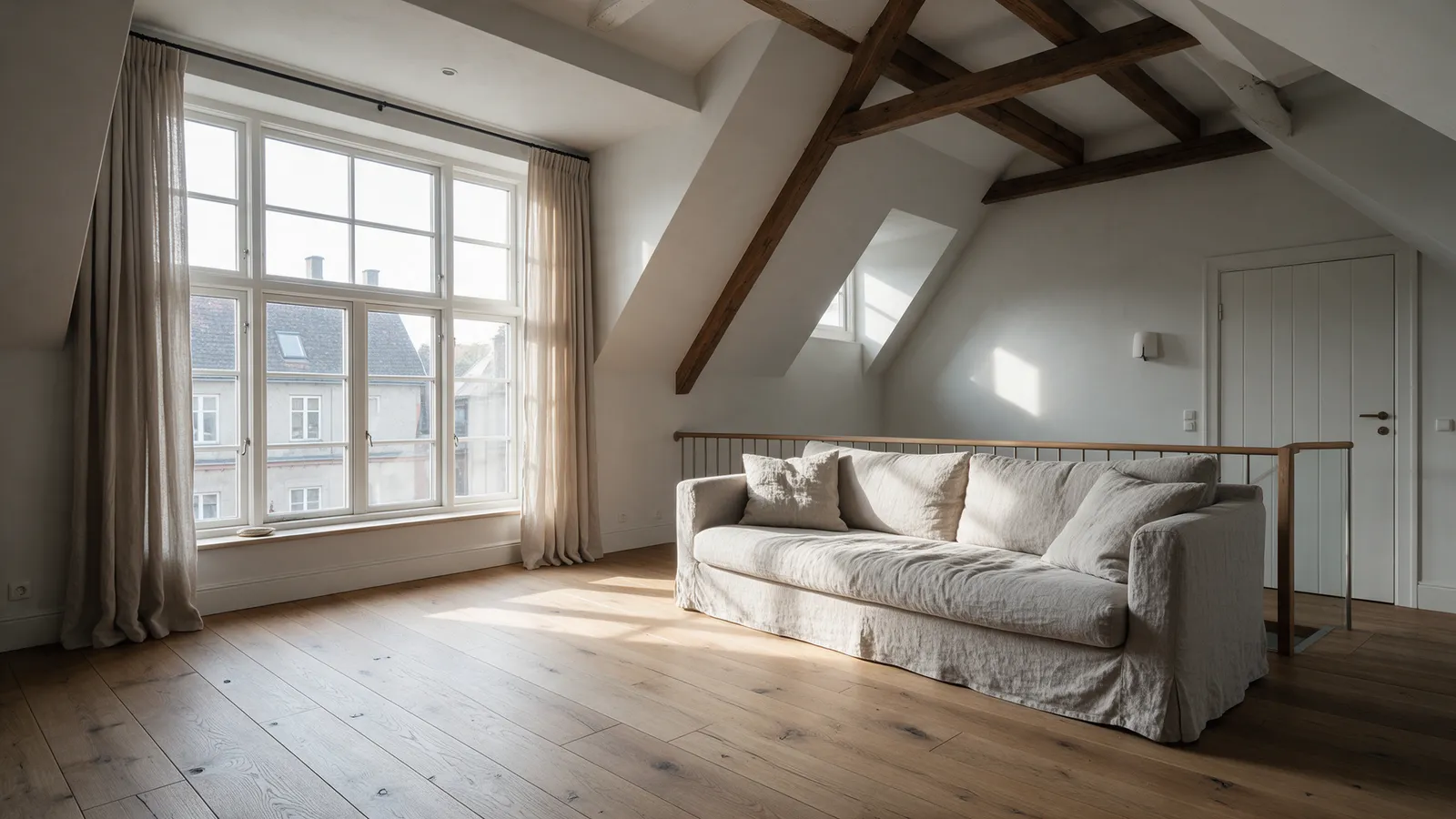
A straightforward way to run Seedream image tasks, with clear limits and rules.
Pay only for generated images
Credits are reserved when a task starts and returned automatically if generation fails, so a failed task never costs you anything.
Documented limits only
Every option in the generator maps to a documented model setting: two modes, 1K or 2K, and eight aspect ratios.
Responsible use
Prompts and uploads are screened before generation. Sexual content, any content involving minors, and a real person's likeness without consent are not allowed.
Seedream 5.5 Image Generator FAQ
Answers about what this service does, the supported settings, credits, and content rules.
A web app for creating images with the Seedream 5.5 image model, from a text prompt or a reference image.
Images from a text prompt (text-to-image), or from up to 10 reference images plus a prompt (image-to-image). Batch generation and masked editing are not offered.
1K or 2K. Both modes support 1:1, 4:3, 3:4, 16:9, 9:16, 2:3, 3:2, and 21:9 aspect ratios.
JPEG, PNG, or WebP files up to 5 MB, 256–5760 px per side. Upload only images you created or have permission to use, and never a real person's likeness without their consent.
Credits are calculated on the server from the resolution (10 credits for 1K, 16 credits for 2K), reserved when a task is accepted, and released automatically if the generation fails.
Sexual content, any content involving minors, a real person's likeness without their consent, and content that infringes others' rights are prohibited. Prompts and uploads are screened before generation, and violations lead to account suspension. See the Acceptable Use section of the Terms.
Start Creating with Seedream 5.5
Generate text-to-image and image-to-image images at 1K or 2K in your browser.