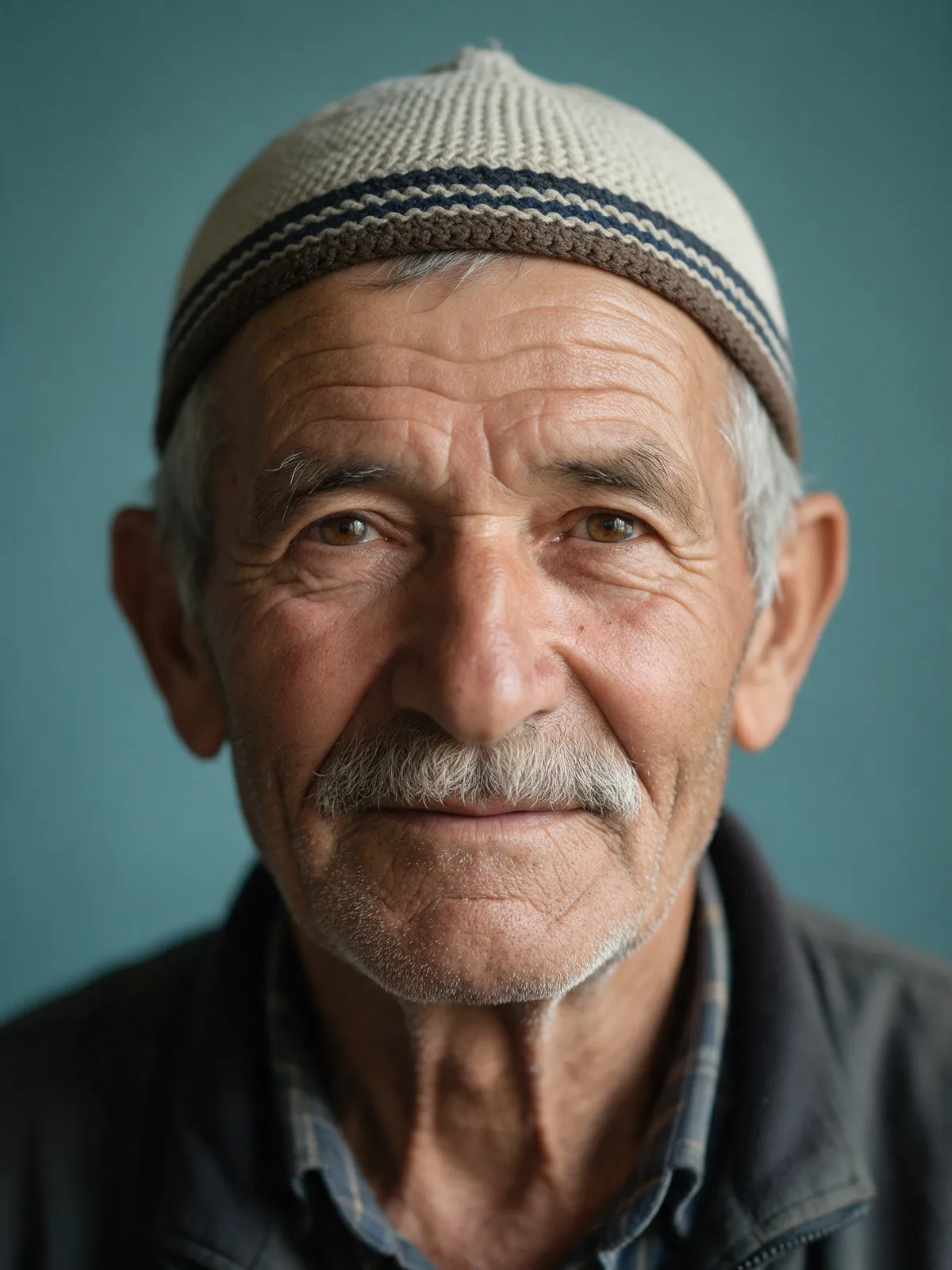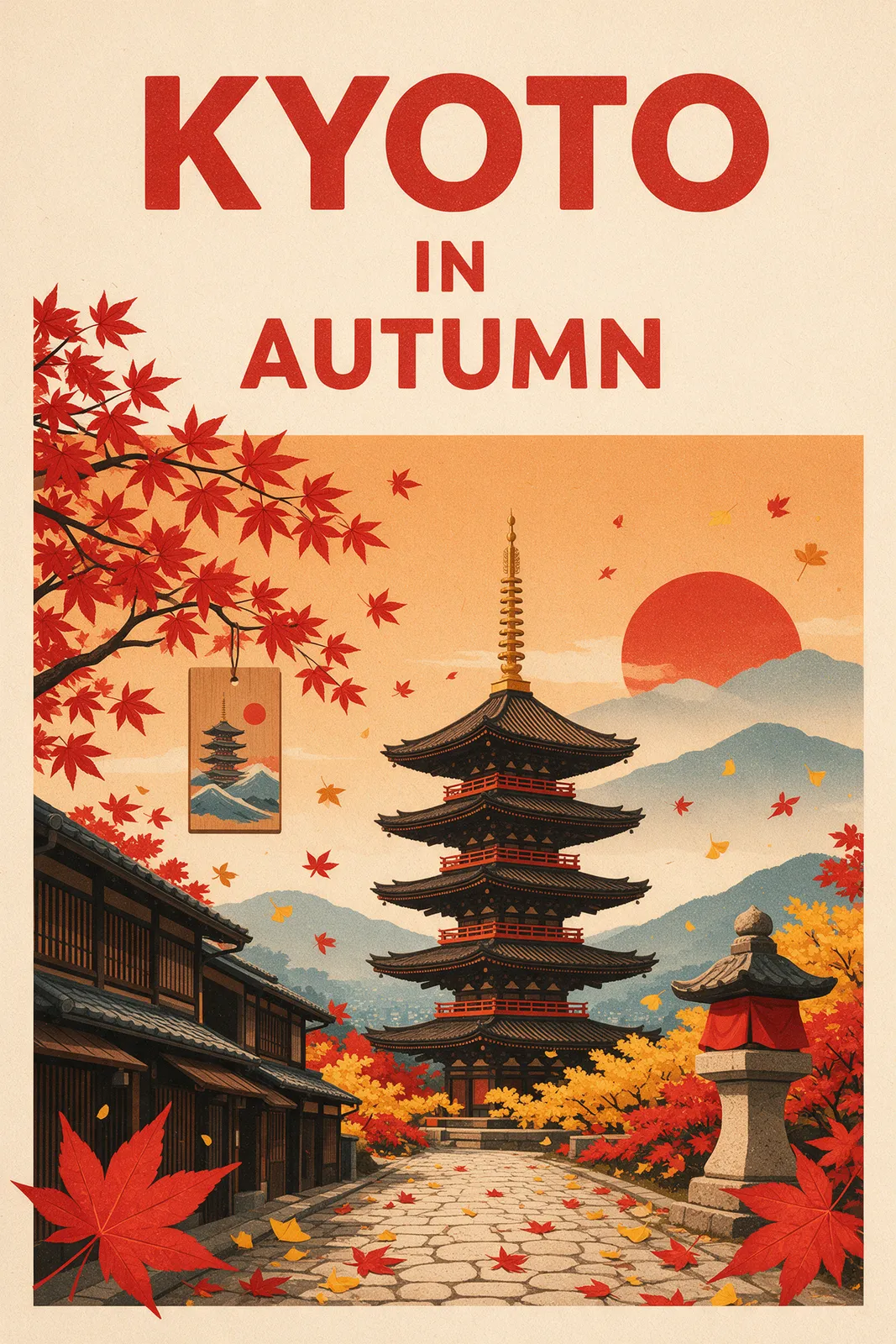
Text to image
Describe an image in a prompt and get a 1K or 2K image.
The Seedream 5.5 workflow is deliberately focused: every option maps to a documented model setting, with no unrelated template models or unverified benchmarks.
Open the image generator2modes
Text and image to image
10images
Up to 10 references
1K· 2K
Two resolutions
8ratios
From 1:1 to 21:9
Describe an image in a prompt and get a 1K or 2K image.
Start from your own photos: add up to 10 reference images.
Text-to-image uses the model's text-to-image mode. Image-to-image uses its image-to-image mode.
Write a prompt of up to 5,000 characters.
Choose 1K or 2K.
1:1, 4:3, 3:4, 16:9, 9:16, 2:3, 3:2, or 21:9.
Image-to-image reference image URLs come only from assets registered to the signed-in account under the existing upload boundary.
The browser cannot choose the provider task owner, generation price, settlement state, or refund state.