
Change photo background
AI Background Changer
Upload a photo, say where you want to be, and Seedream 5.5 replaces the background while keeping the person or product as it is. The light and shadows are redrawn to match, so there are no cut-out edges.

Resolution
Aspect ratio
Sign up with Google to get free trial credits. No card required.
≈ 10 credits for this image
Credits are used only when an image is generated. If generation fails, they're returned automatically.
Use only content you have the right to submit. Review the Terms, including Acceptable Use, and report safety or abuse issues.
Task
Generation status
 Preview · 1:1 · 1K
Before you start
- 1Lead with the subject, then the setting, light and style, e.g. "ceramic mug on a walnut table, morning window light".
- 2Editing a photo? Say what to keep and what to change, e.g. "keep the product, replace the background with white marble".
- 3Want words in the image? Put the exact text in quotes, e.g. headline "Summer Sale".
Examples
Prompts you can use right away
Click one to drop it into the generator above, then replace the details with yours.
“Put me on a beach at sunset instead of my living room.”
“Change the background to a clean white studio for my profile photo.”
“Move this product photo onto a wooden café table with morning light.”
Use it for
What people use the background changer for
Profile photos
Swap a messy room or an office wall for a clean studio, a city view or a soft outdoor background.
Product listings
Put a product on a pure white background for marketplaces, or on a table or shelf for your own shop.
Travel and social posts
Move a photo to a beach, a mountain or a city street and keep the light on you consistent with the place.
Real estate and cars
Replace a grey sky with a blue one, or put a car in front of a cleaner background for a listing.
How it works
Three steps, about a minute
- 1
Upload your photo
A person, pet or product photo. JPEG, PNG or WebP up to 5 MB.
- 2
Describe the new background
Name the place and the light, for example "a beach at sunset" or "a white studio, soft light".
- 3
Generate and download
Pick 1K or 2K and generate. The new image appears in your account.
Compared with
How it compares with other ways to change a background
- Background removers
- A remover cuts the subject out and leaves you to place it yourself, so hair edges and shadows often look pasted on. Here the whole image is redrawn with matching light and shadows.
- Editing by hand
- Masking, matching colour and painting shadows in an editor takes time and practice. Here you describe the new place in one sentence.
- Reshooting
- Going back to a location or a studio gives the most control, but costs a day. Try the background here first and reshoot only if you need to.
Tips
Get a better result on the first try
Start with "keep the person exactly as they are" so the subject does not change.
Describe the light ("golden hour", "soft window light") so the subject blends into the new scene.
For products, ask for "a realistic shadow under the product".
FAQ
Questions people ask
Is this different from a background remover?
Yes. Instead of cutting the subject out, it redraws the whole image with a new background and matching light, so the result looks like a real photo.
Can I get a plain white background?
Yes. Ask for "a pure white background, soft studio light"; it works well for profile photos and product listings.
Is it free?
Google sign-up gives you free trial credits. After that, each 1K image costs 10 credits and each 2K image 16.
Will it change the person or product?
Say "keep the person exactly as they are" or "keep the product exactly as it is". Small details can still shift, so check faces and labels before you publish.
Can I use my own background photo?
Yes. Upload your photo and the background photo as two reference images, then write "put the person from the first image into the scene from the second image".
More use cases
Other things you can make
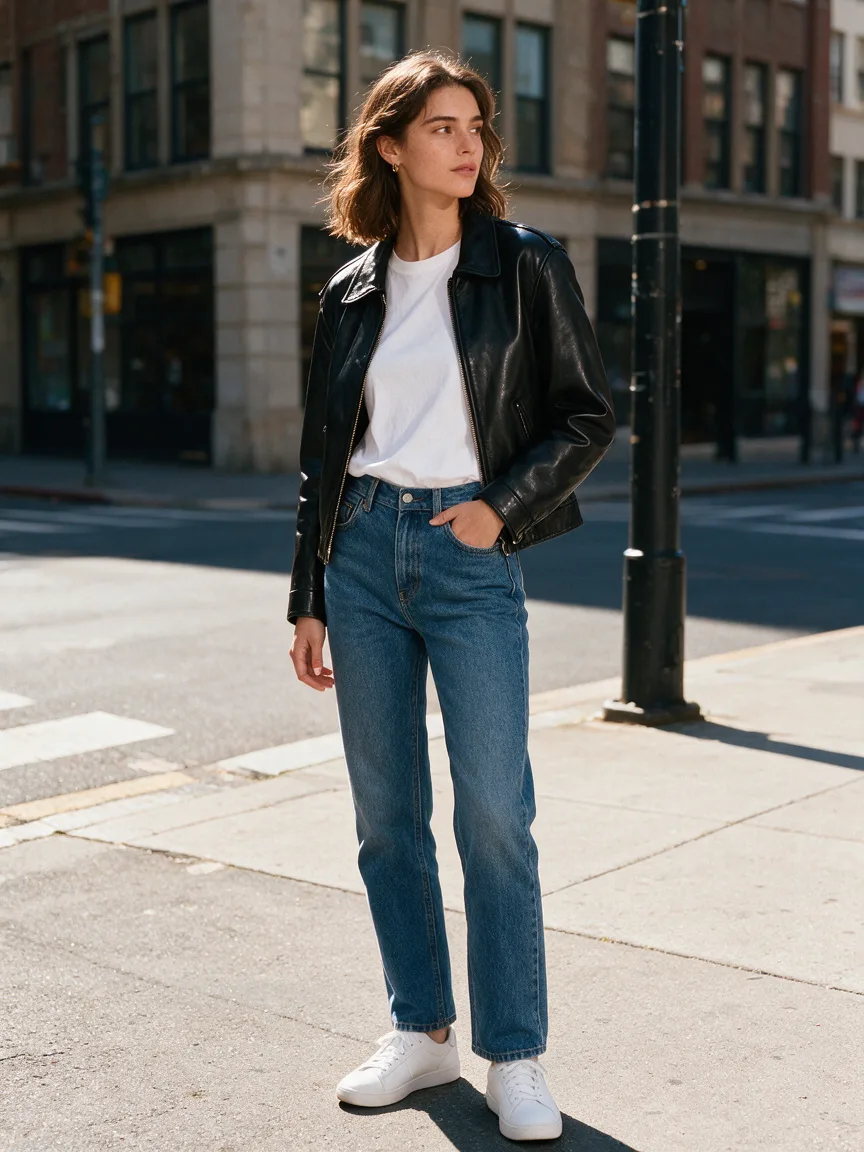
Outfit Changer
See yourself in any outfit — same face, new look.
Try it
Poster Maker
A ready-to-print poster with your headline spelled right.
Try it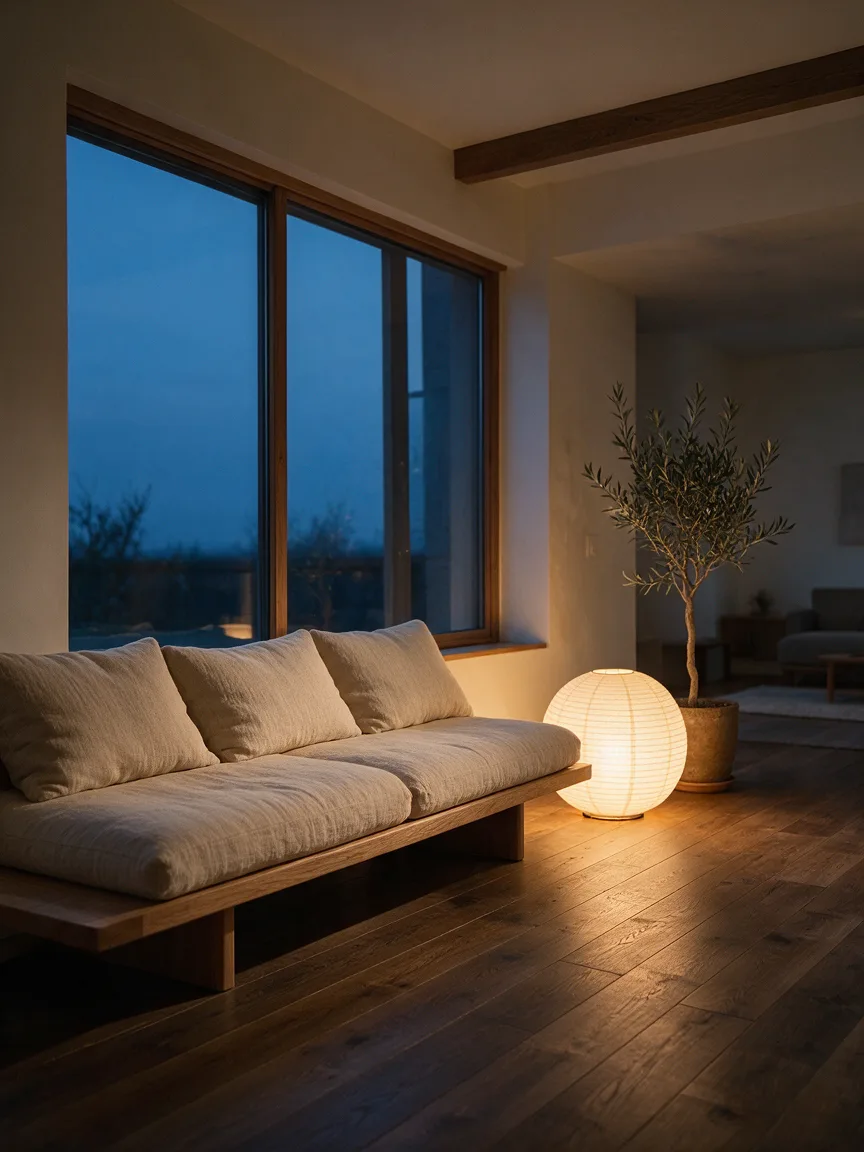
Home Design
Upload your room, see it redesigned before you buy a thing.
Try it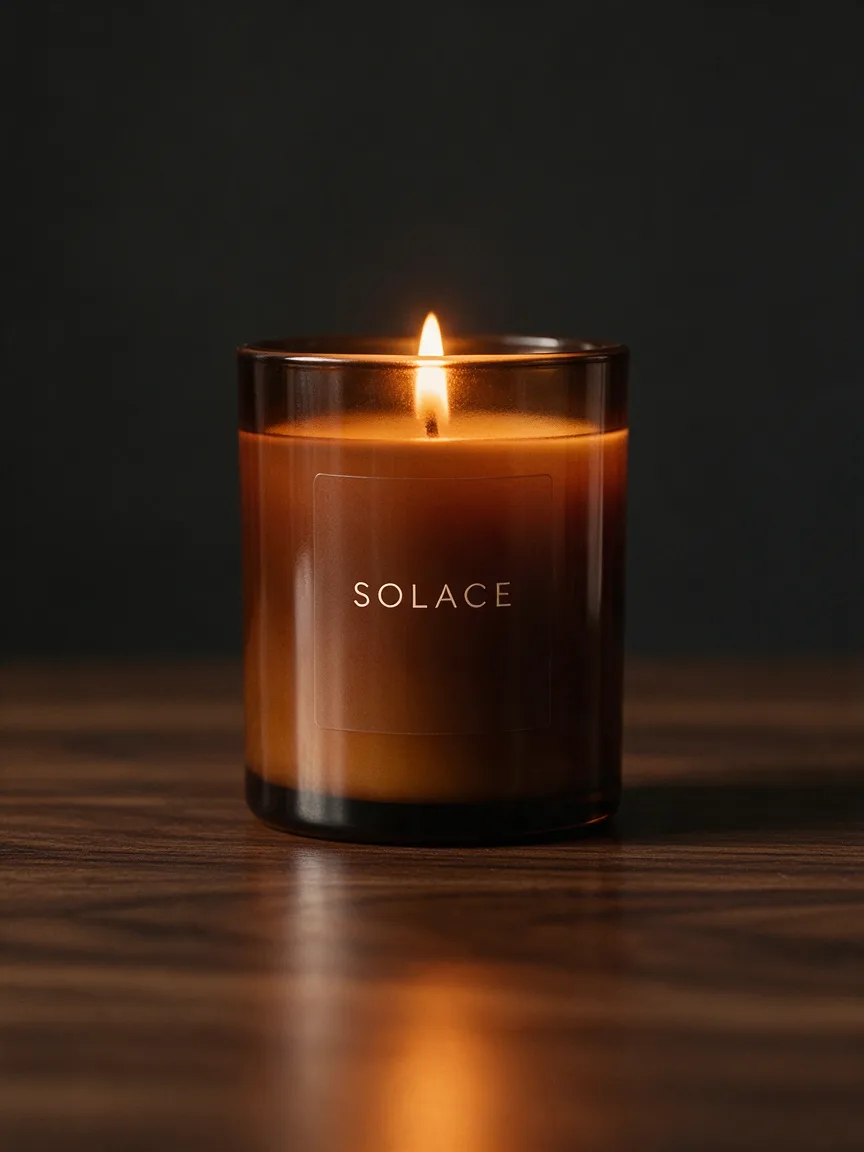
Product Photos
Studio-quality product shots from a phone photo.
Try it
Headshot
A LinkedIn-ready headshot from one selfie, no photographer.
Try it