
AI product photography
AI Product Photo Generator
Upload a phone photo of your product and Seedream 5.5 turns it into a clean studio shot on white or places it in a lifestyle scene, keeping the label and shape. Make listing images for Amazon, Shopify or Etsy without a photo shoot.
Resolution
Aspect ratio
Sign up with Google to get free trial credits. No card required.
≈ 10 credits for this image
Credits are used only when an image is generated. If generation fails, they're returned automatically.
Use only content you have the right to submit. Review the Terms, including Acceptable Use, and report safety or abuse issues.
Task
Generation status
 Preview · 1:1 · 1K
Before you start
- 1Lead with the subject, then the setting, light and style, e.g. "ceramic mug on a walnut table, morning window light".
- 2Editing a photo? Say what to keep and what to change, e.g. "keep the product, replace the background with white marble".
- 3Want words in the image? Put the exact text in quotes, e.g. headline "Summer Sale".
Examples
Prompts you can use right away
Click one to drop it into the generator above, then replace the details with yours.
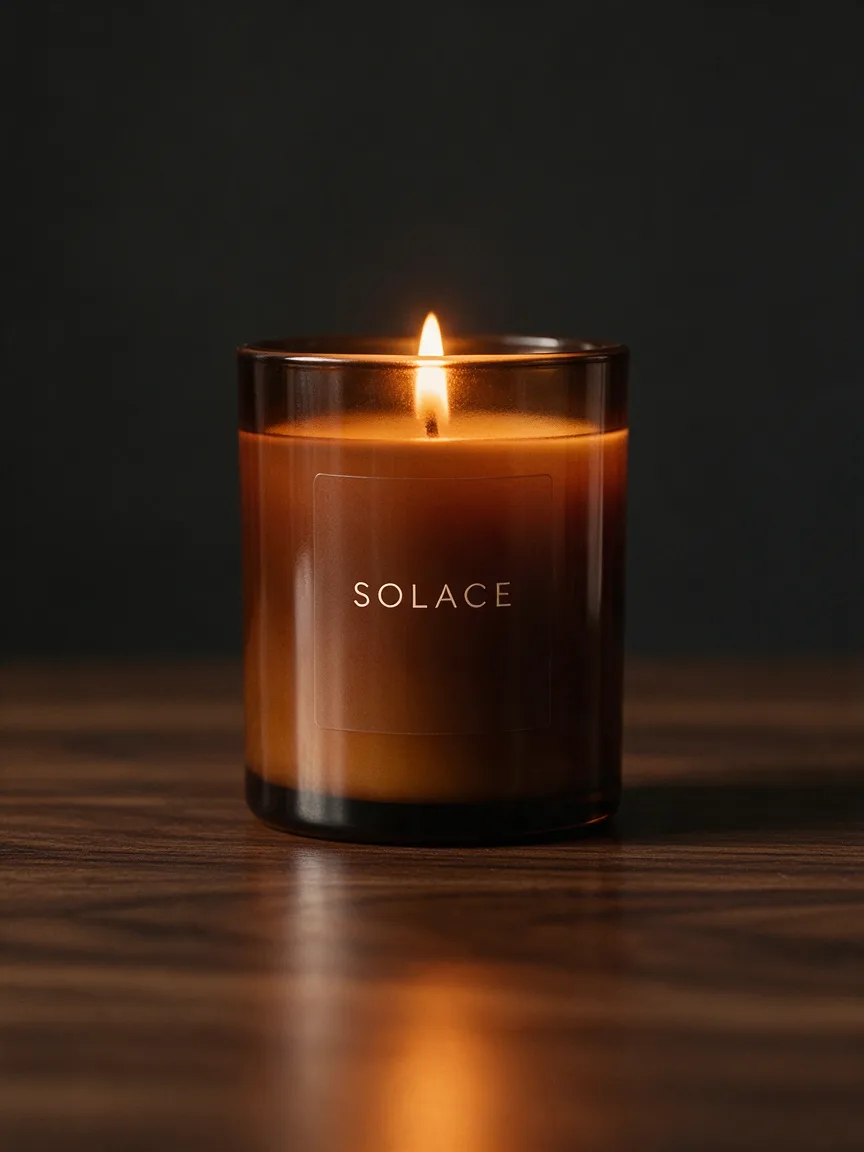
“Make my candle look like a studio shot on a pure white background.”
“Put this sneaker on a city sidewalk with soft evening light.”
“Show my skincare bottle on a bathroom shelf with plants, like an Instagram ad.”
Use it for
What sellers use the product photo generator for
Marketplace listings
Clean white-background main images for Amazon, eBay and Etsy, made from a phone photo.
Your own store
Lifestyle images for Shopify product pages: the product on a table, a shelf or in someone's hands.
Ads and social posts
Seasonal scenes for holidays and sales without building a new set each time.
New products before stock arrives
Show a product in a scene from a sample photo while you wait for the full shoot.
How it works
Three steps, about a minute
- 1
Upload a product photo
Any clear photo of the product, even on a messy table. JPEG, PNG or WebP up to 5 MB.
- 2
Choose the scene
A pure white background for listings, or a place and light for lifestyle and ad images.
- 3
Generate and download
Make 1K drafts, then your best shot in 2K for the store.
Compared with
How it compares with other ways to get product photos
- A product photographer
- A photographer gives you full control and real light, but each scene costs a booking and props. Here each scene is a prompt, so you can test many before you shoot any.
- Shooting at home
- A phone, a sheet and a window can work, but backgrounds, shadows and consistency are hard. Start from that phone photo and let Seedream 5.5 do the scene and light.
- Background removal tools
- Removers give you a cut-out on white. Here you also get realistic shadows, reflections and full lifestyle scenes.
Tips
Get a better result on the first try
Start with "keep the product exactly as it is" so the label and shape stay the same.
Ask for "a gentle contact shadow" so the product sits on the surface instead of floating.
Upload the same product from two angles as reference images for a more accurate result.
FAQ
Questions people ask
Can I use the images in my online store?
Yes. Images you generate are yours to use for listings, ads and social posts.
Will it keep my product's label?
Ask it to keep the product exactly as it is and use a sharp photo where the label is readable. Check small text before you publish.
Is it free?
Google sign-up gives you free trial credits. After that, each 1K image costs 10 credits and each 2K image 16.
What photo should I start with?
A sharp photo of the product in even light, with the label readable and nothing in front of it. The background does not matter, since it will be replaced.
Can I make a set of images that match?
Yes. Reuse the same prompt and only change the product or the angle, so the background and light stay consistent across your listing.
More use cases
Other things you can make
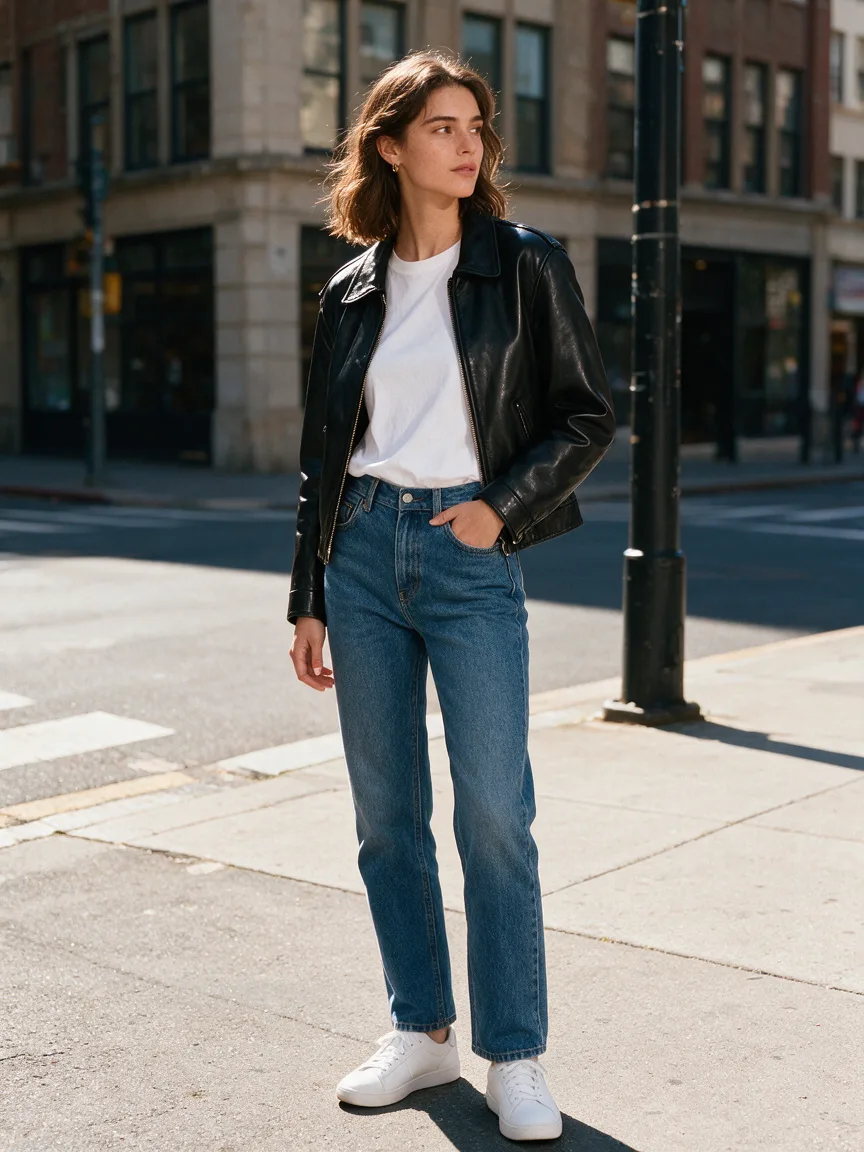
Outfit Changer
See yourself in any outfit — same face, new look.
Try it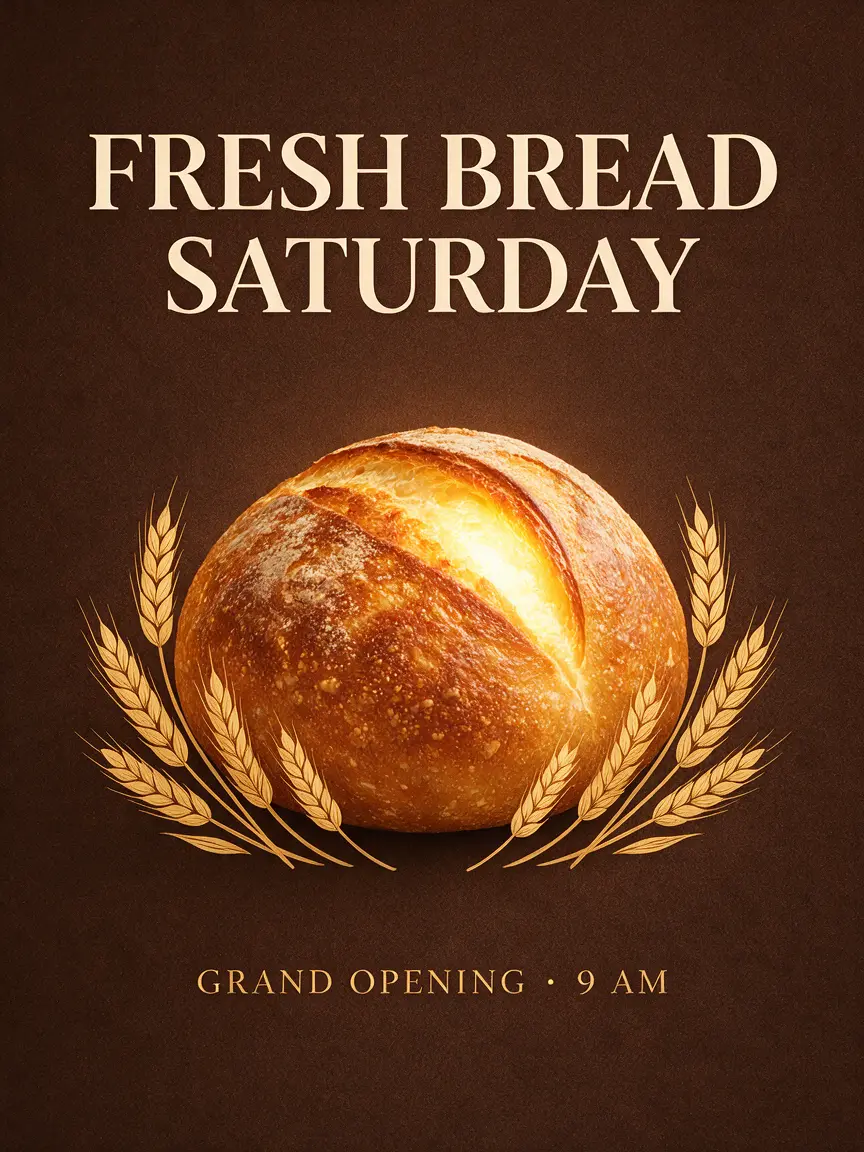
Poster Maker
A ready-to-print poster with your headline spelled right.
Try it
Background Changer
Drop your photo into any place — lighting matched, no cut-out edges.
Try it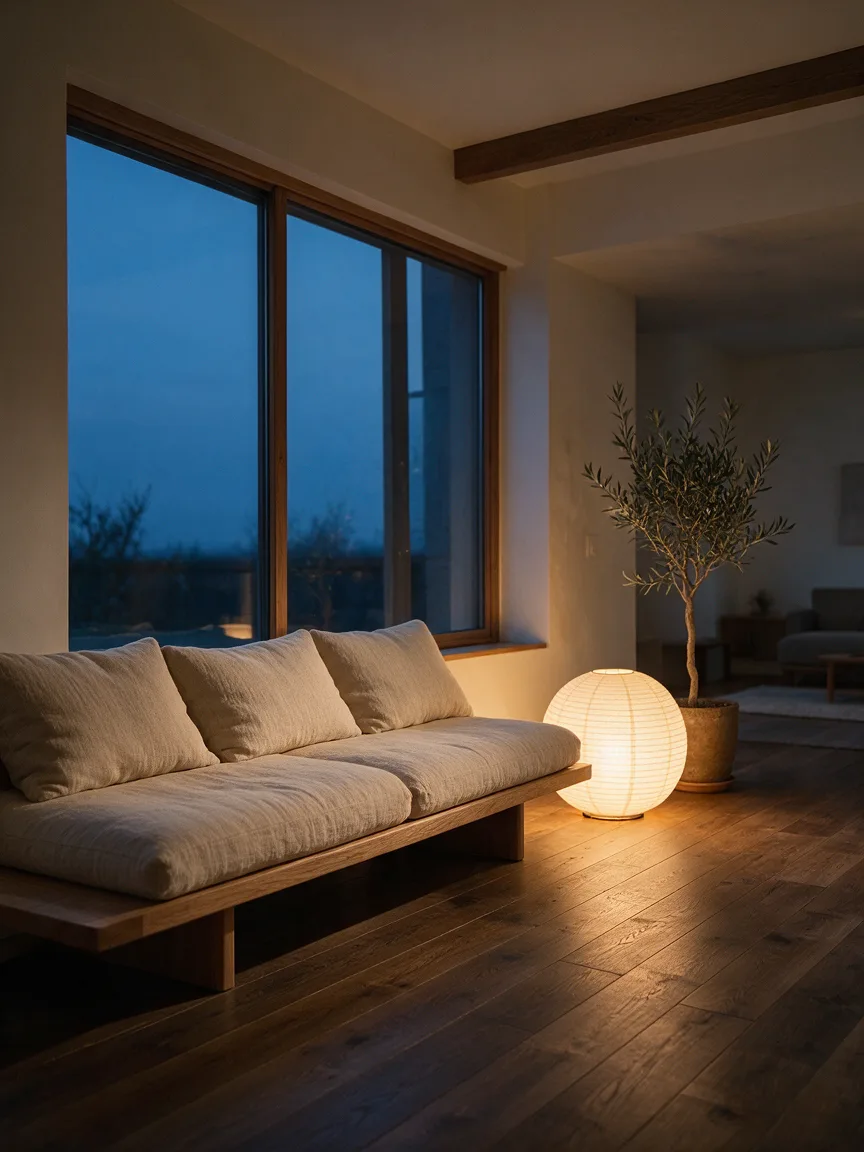
Home Design
Upload your room, see it redesigned before you buy a thing.
Try it
Headshot
A LinkedIn-ready headshot from one selfie, no photographer.
Try it