
AI poster and flyer generator
AI Poster Maker
Describe the event, the headline and the mood, and Seedream 5.5 designs a poster with your words set in the image. Use it for shop openings, events, school plays, gym flyers and social posts.
Resolution
Aspect ratio
Sign up with Google to get free trial credits. No card required.
≈ 10 credits for this image
Credits are used only when an image is generated. If generation fails, they're returned automatically.
Use only content you have the right to submit. Review the Terms, including Acceptable Use, and report safety or abuse issues.
Task
Generation status
 Preview · 1:1 · 1K
Before you start
- 1Lead with the subject, then the setting, light and style, e.g. "ceramic mug on a walnut table, morning window light".
- 2Editing a photo? Say what to keep and what to change, e.g. "keep the product, replace the background with white marble".
- 3Want words in the image? Put the exact text in quotes, e.g. headline "Summer Sale".
Examples
Prompts you can use right away
Click one to drop it into the generator above, then replace the details with yours.
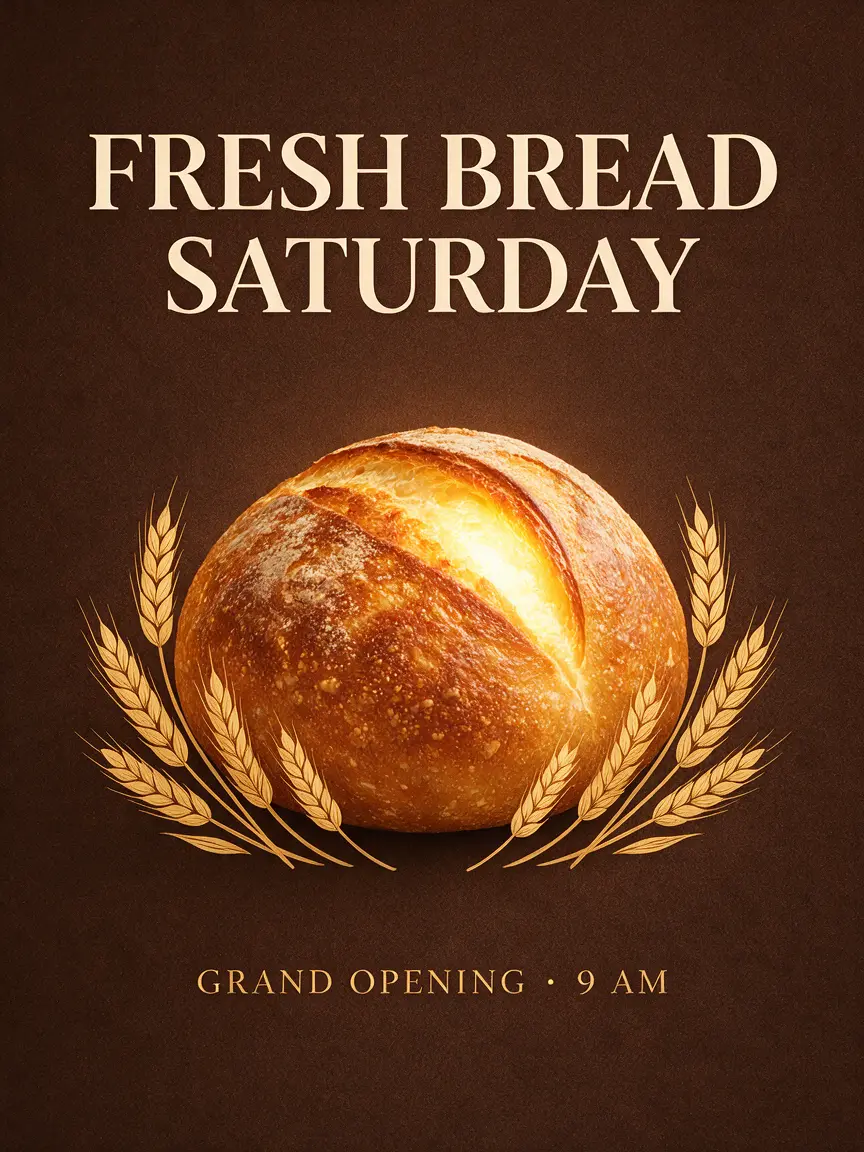
“A poster for my bakery's grand opening, headline "FRESH BREAD SATURDAY", warm colors.”
“Movie-style poster for our school play "The Last Lighthouse", dark and dramatic.”
“Gym flyer: "30-DAY CHALLENGE", bold red and black, a runner in the middle.”
Use it for
What people make with the poster maker
Shop and restaurant openings
A launch poster for the window, a flyer for the counter and a square version for Instagram, all from the same idea.
Events and gigs
Concert, workshop, meetup and party posters with the name, date and time set in the design.
Schools and clubs
Posters for school plays, sports days, bake sales and club sign-ups without waiting for a designer.
Social posts and ads
Story-sized (9:16) and feed-sized (1:1) graphics with a headline, for promotions and announcements.
How it works
Three steps, about a minute
- 1
Write what it is for
The event or product, the headline in quotes, and two or three words for the style, like "warm, minimal".
- 2
Pick a shape
3:4 or 2:3 for print posters, 9:16 for stories, 1:1 for feed posts.
- 3
Generate and download
Generate in 1K for drafts or 2K for print, then download the image from your account.
Compared with
How it compares with other ways to make a poster
- Hiring a designer
- A designer gives you a polished layout, but it takes days and costs much more per poster. Here you get a draft in about a minute and can make as many versions as you like.
- Template editors
- Template tools are quick, but your poster looks like everyone else's. Here the picture is generated for your event, so the design is new each time.
- Other AI image generators
- Many image models still garble text. Seedream 5.5 is built to set short headlines cleanly inside the image, so the words are part of the design.
Tips
Get a better result on the first try
Put every word that must appear in "quotes" and keep headlines short; three to five words come out cleanest.
Name the palette ("deep blue and gold") and the type style ("bold sans-serif") to control the look.
Ask for "plenty of empty space" if you want room to add a date or logo later.
FAQ
Questions people ask
Can the AI poster maker write text?
Yes. Put the text in quotes in your prompt. Short headlines render most reliably; check the spelling before you print.
What sizes can I make?
Eight aspect ratios: 1:1, 4:3, 3:4, 16:9, 9:16, 2:3, 3:2 and 21:9, at 1K or 2K.
Is it free?
Google sign-up gives you free trial credits. After that, each 1K poster costs 10 credits and each 2K poster 16.
Can I add my logo?
Upload your logo as a reference image in image to image mode and ask for it to be placed on the poster, for example "put the logo from the image in the bottom corner".
Can I print it?
Generate in 2K for print. For large formats, keep the design simple with big type so it stays sharp when enlarged.
More use cases
Other things you can make
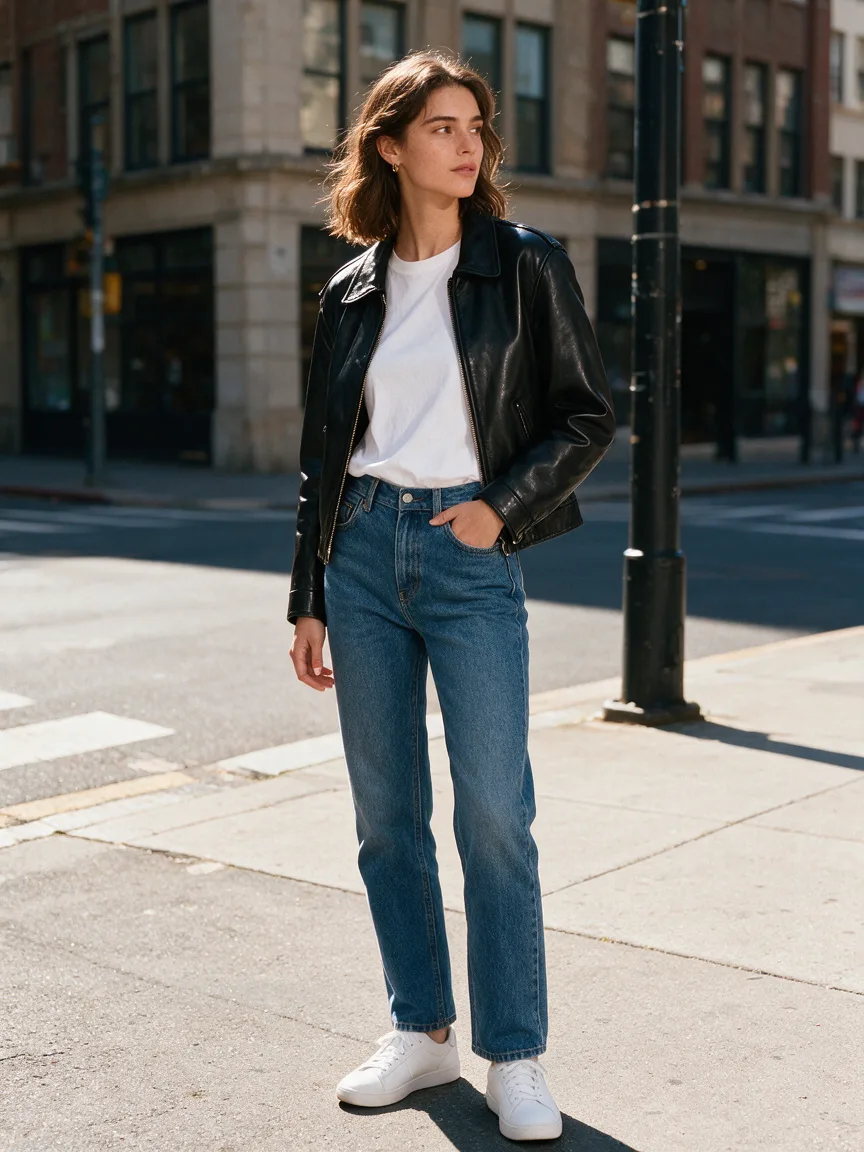
Outfit Changer
See yourself in any outfit — same face, new look.
Try it
Background Changer
Drop your photo into any place — lighting matched, no cut-out edges.
Try it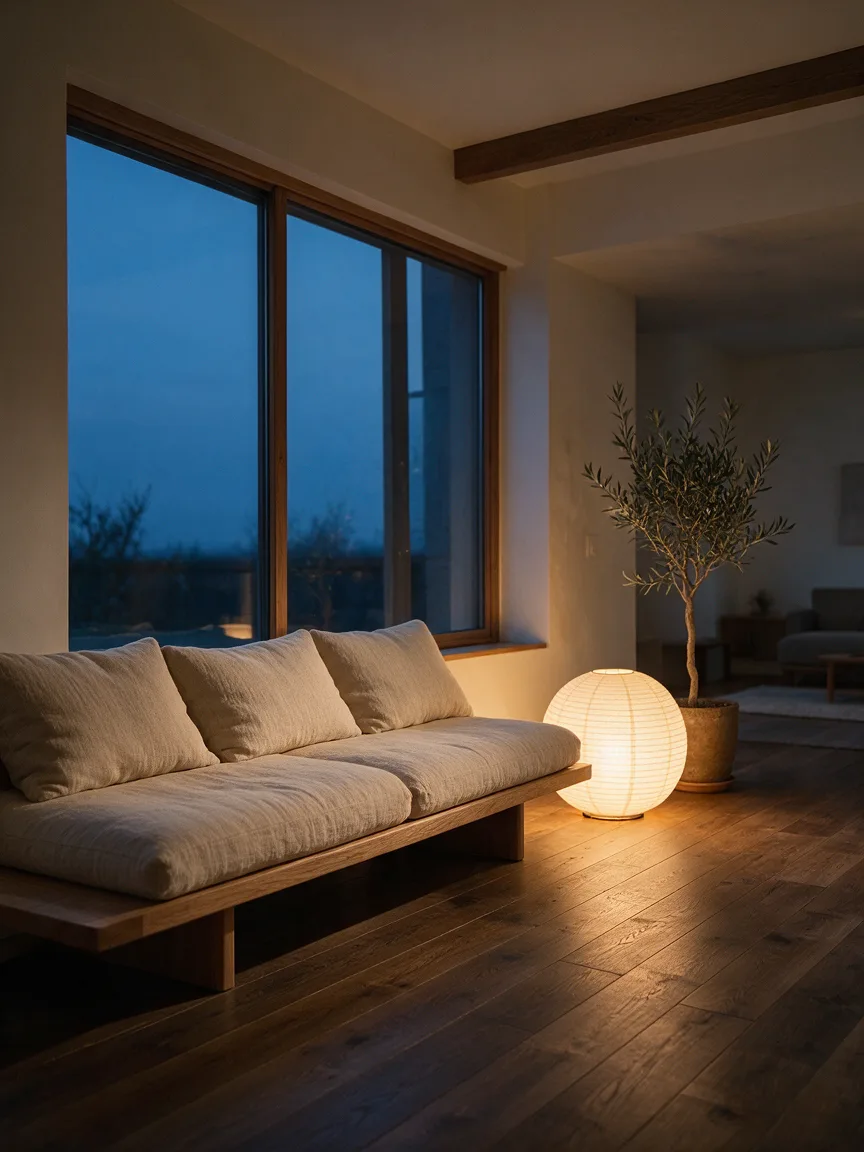
Home Design
Upload your room, see it redesigned before you buy a thing.
Try it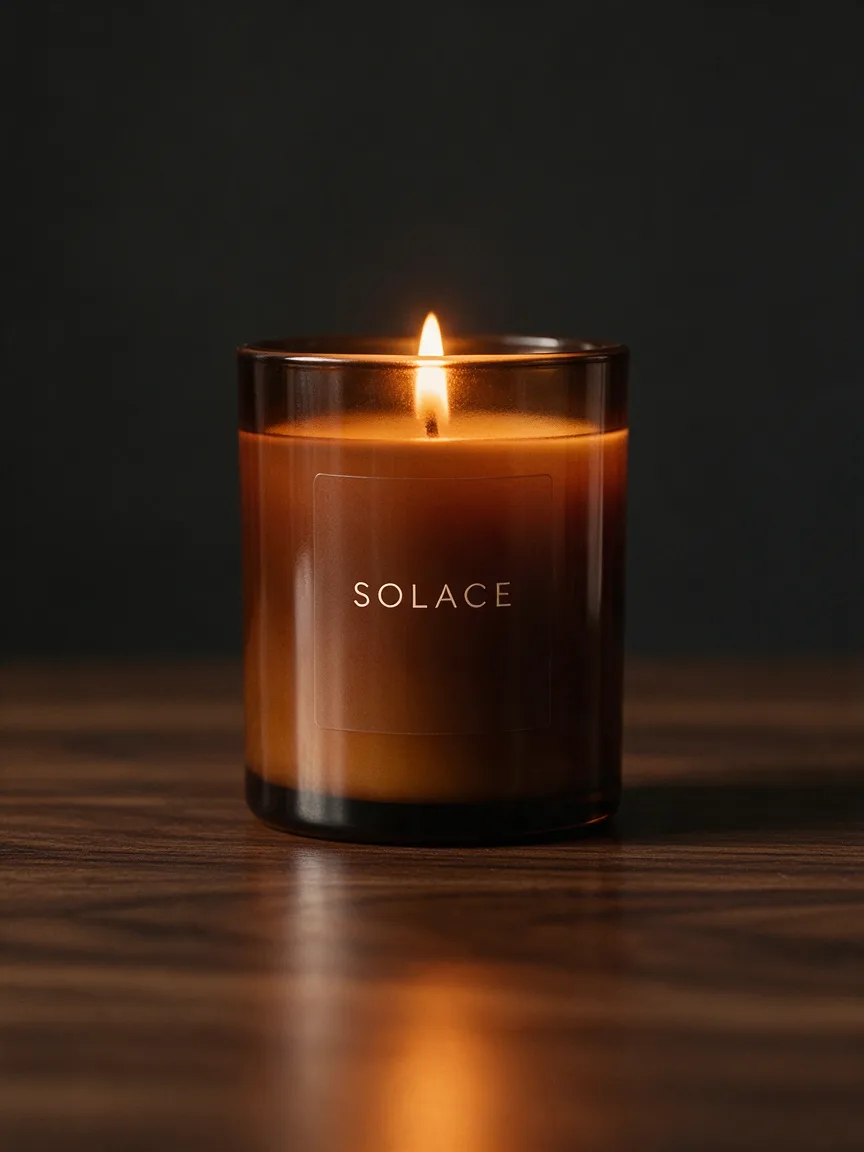
Product Photos
Studio-quality product shots from a phone photo.
Try it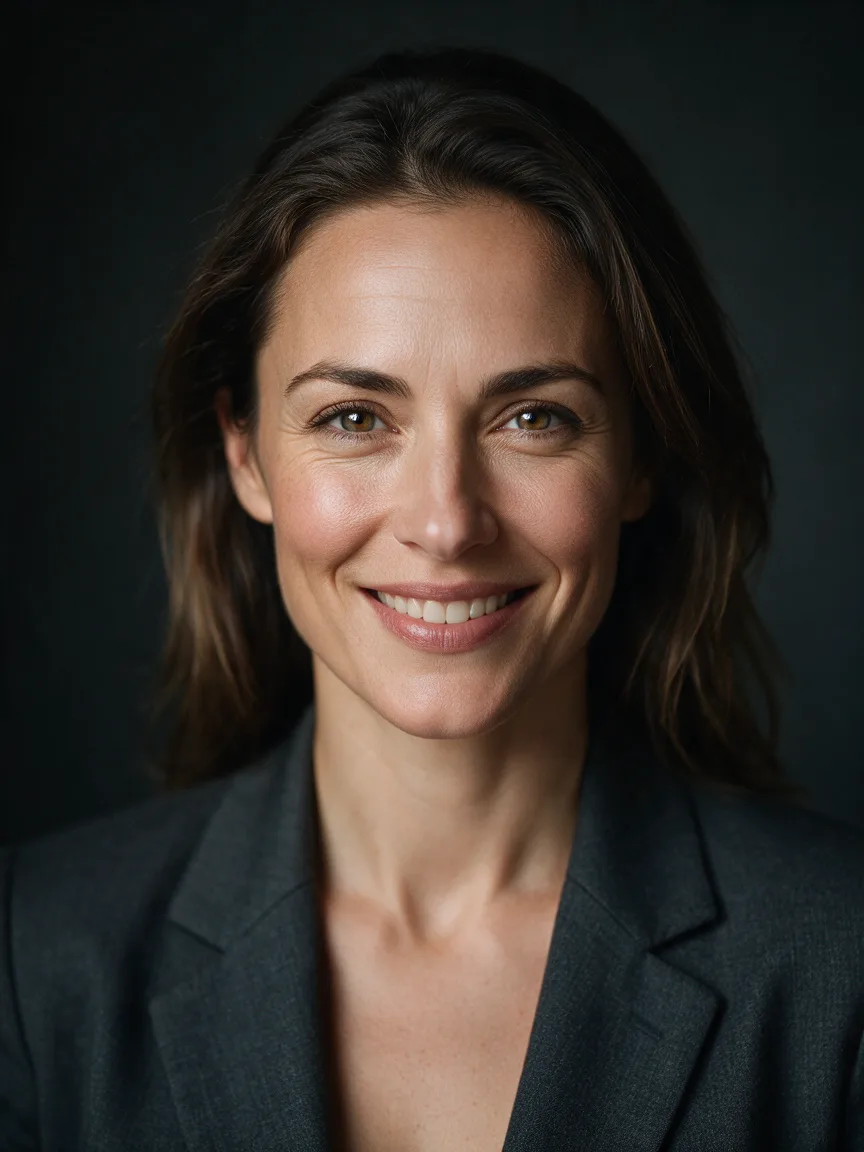
Headshot
A LinkedIn-ready headshot from one selfie, no photographer.
Try it