
AI clothes changer
AI Outfit Changer
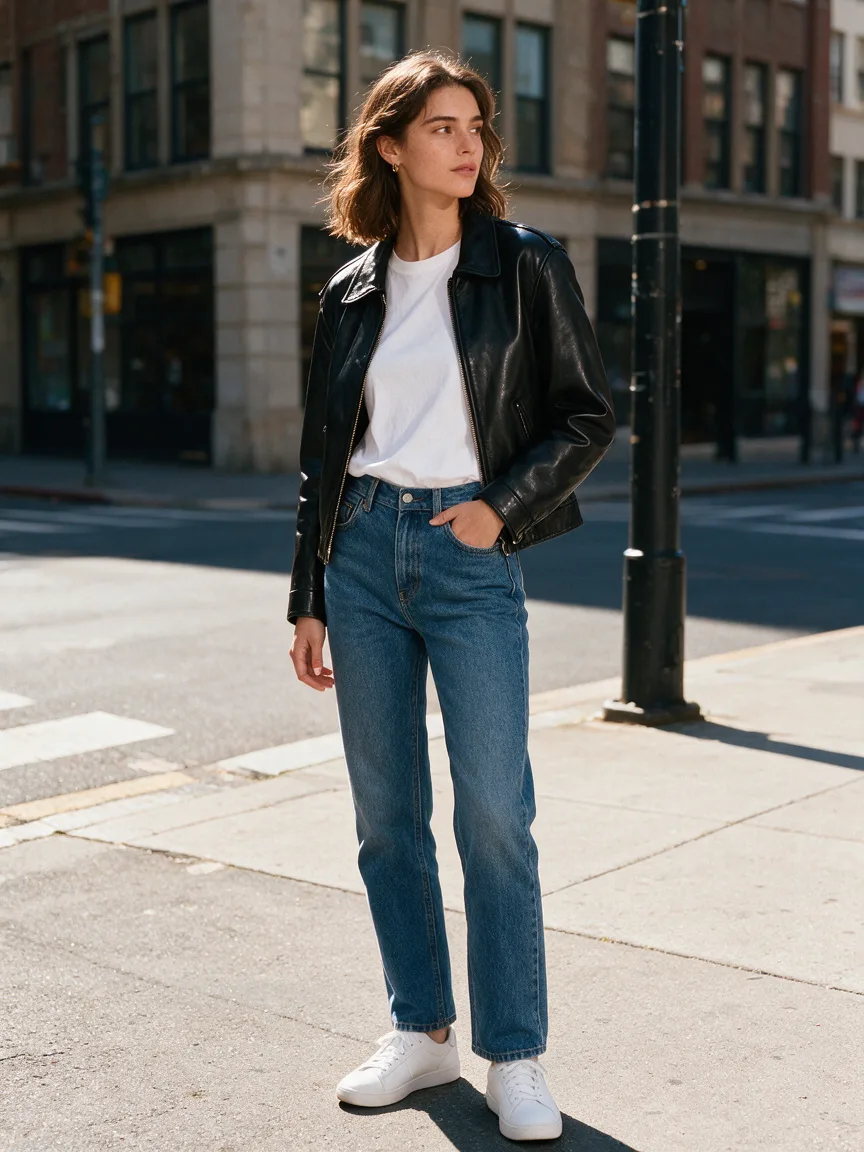
Upload one photo, describe the clothes you want, and Seedream 5.5 redraws the outfit while keeping your face, pose and background. Use it to try a look before you buy, plan an event outfit, or show one product on a model.
Resolution
Aspect ratio
Sign up with Google to get free trial credits. No card required.
≈ 10 credits for this image
Credits are used only when an image is generated. If generation fails, they're returned automatically.
Use only content you have the right to submit. Review the Terms, including Acceptable Use, and report safety or abuse issues.
Task
Generation status
 Preview · 1:1 · 1K
Before you start
- 1Lead with the subject, then the setting, light and style, e.g. "ceramic mug on a walnut table, morning window light".
- 2Editing a photo? Say what to keep and what to change, e.g. "keep the product, replace the background with white marble".
- 3Want words in the image? Put the exact text in quotes, e.g. headline "Summer Sale".
Examples
Prompts you can use right away
Click one to drop it into the generator above, then replace the details with yours.
“Put me in a black leather jacket and white sneakers, keep my face and pose.”
“Try a red evening gown on this photo, make the fabric look real.”
“Swap my hoodie for a navy suit and tie for a job interview photo.”
Use it for
What people use the outfit changer for
Try before you buy
Upload a photo of yourself and a photo of the jacket or dress from the shop, and see how it looks on you before you order.
Plan an event outfit
Compare a suit, a dress and a smart-casual look for a wedding, interview or party from one photo, without trying anything on.
Show clothes on a model
Small clothing shops can put one product on the same model in different colours instead of booking a new shoot for each one.
Refresh old photos
Swap the outfit in a photo you like for one that fits the season, the brand or the profile you are using it for.
How it works
Three steps, about a minute
- 1
Upload your photo
A clear photo where the clothes you want to change are visible. JPEG, PNG or WebP up to 5 MB.
- 2
Describe the new outfit
Say what to change and what to keep, for example "swap the hoodie for a navy suit, keep my face and pose".
- 3
Generate and download
Pick 1K or 2K and generate. The finished image appears in your account, ready to download.
Compared with
How it compares with other ways to try on clothes
- A photo shoot
- A shoot gives you real fabric and real light, but each outfit means another booking, another setup and more editing. Here each outfit is one prompt and about a minute.
- Editing by hand in Photoshop
- Cutting out and warping a garment onto a body takes skill and hours, and the folds rarely look right. Seedream 5.5 redraws the clothes with folds and shadows that follow your pose.
- Virtual try-on apps
- Many try-on apps only work with their own catalogue. Here you can describe any outfit, or upload a photo of the exact piece you want to try.
Tips
Get a better result on the first try
Name the fabric and fit ("loose white linen", "fitted black leather") so the folds and texture look real.
Say "keep my face, pose and background" so only the clothes change.
Upload up to 10 reference images, for example your photo plus a photo of the jacket you want to try.
FAQ
Questions people ask
Is the AI outfit changer free?
Accounts created with Google sign-in get free trial credits, so you can change an outfit before buying anything. After that, each 1K image costs 10 credits and each 2K image 16.
Will it keep my face?
Yes, when you ask it to. Write "keep my face and pose" in the prompt and use a sharp, well-lit photo where your face is clearly visible.
Can I try on a specific piece of clothing?
Yes. Upload your photo and a photo of the clothing as a second reference image, then write "put the jacket from the second image on me".
What kind of photo works best?
A sharp, well-lit photo where your whole outfit is visible and nothing covers your body. Full-body shots work best for full outfits; waist-up shots are fine for tops and jackets.
Can I change only one piece, like the shoes?
Yes. Name the piece and say what to keep, for example "change only the shoes to white sneakers, keep everything else the same".
More use cases
Other things you can make
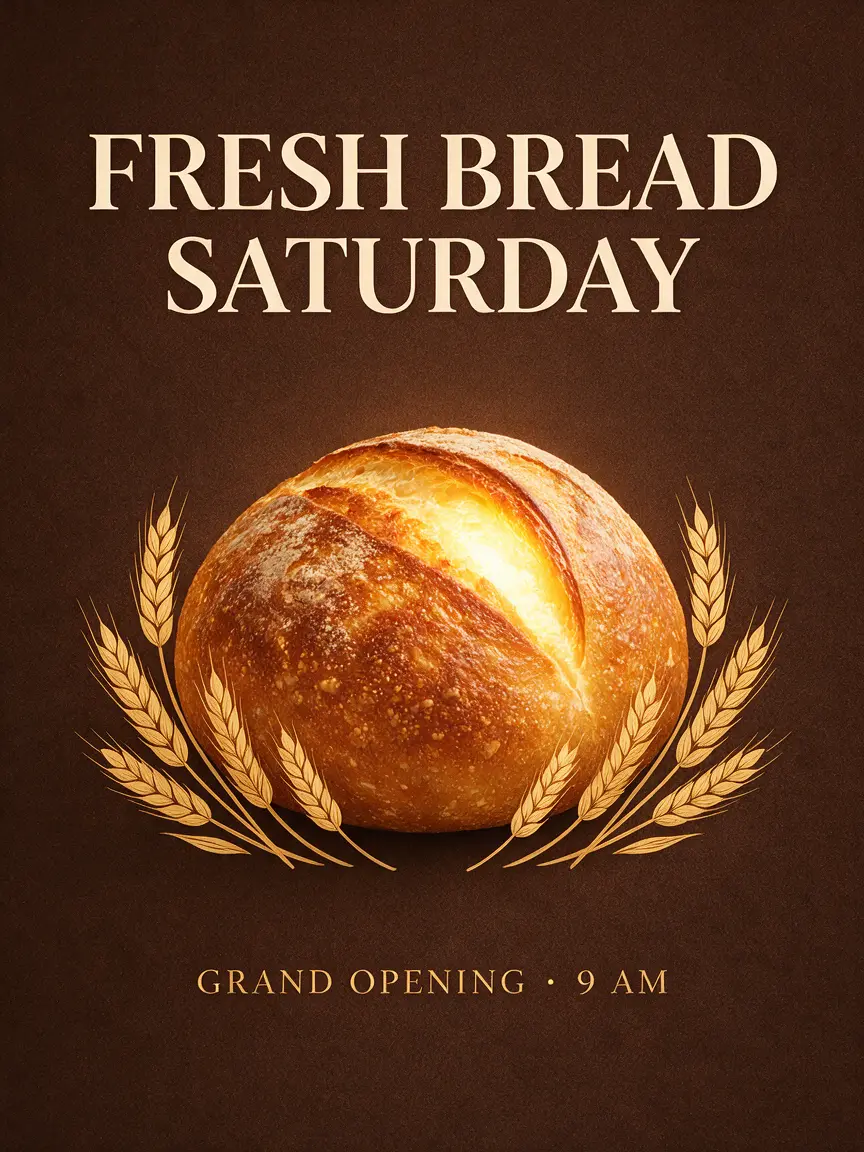
Poster Maker
A ready-to-print poster with your headline spelled right.
Try it
Background Changer
Drop your photo into any place — lighting matched, no cut-out edges.
Try it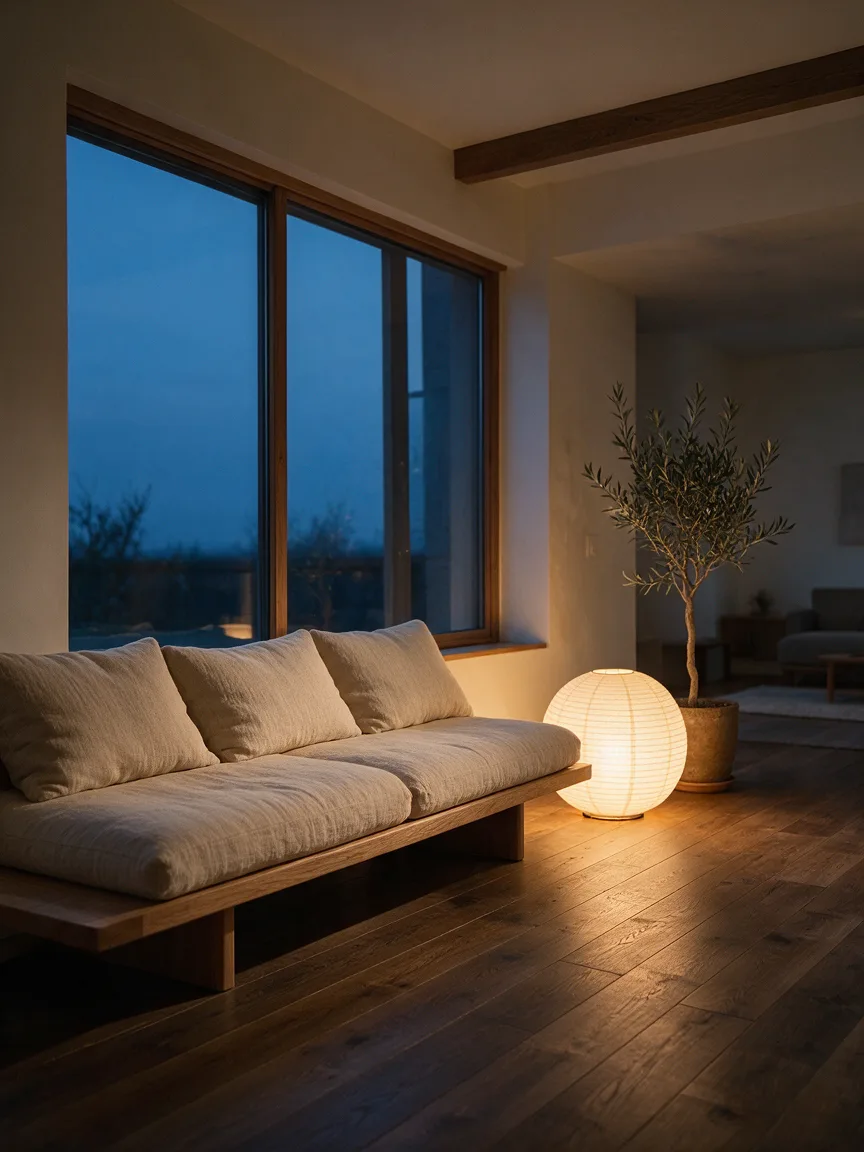
Home Design
Upload your room, see it redesigned before you buy a thing.
Try it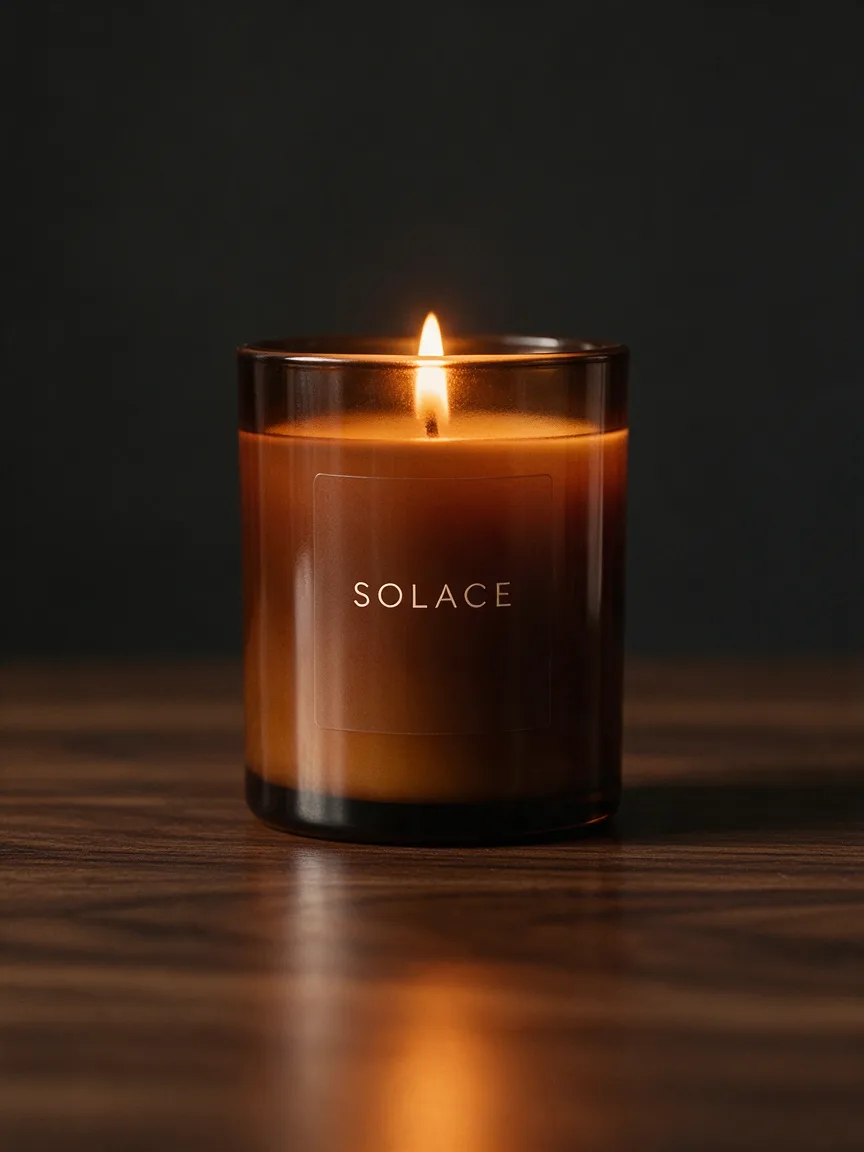
Product Photos
Studio-quality product shots from a phone photo.
Try it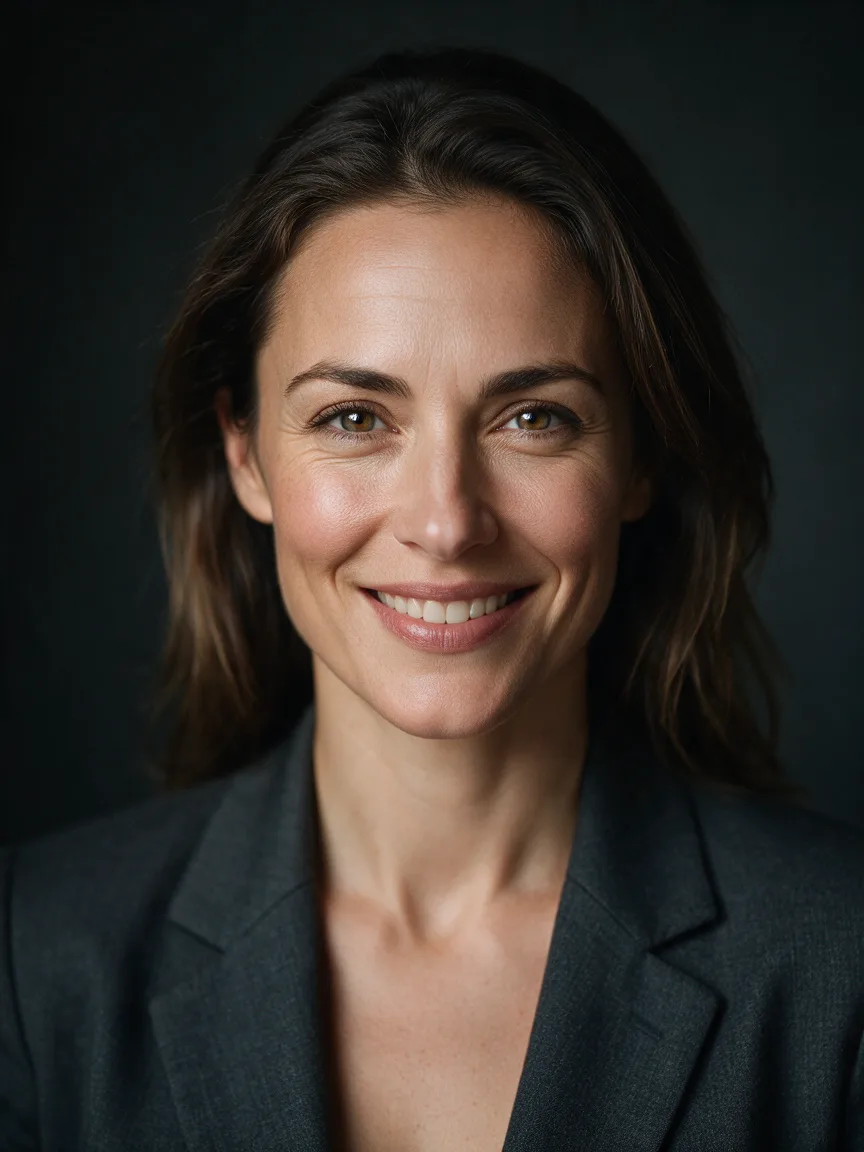
Headshot
A LinkedIn-ready headshot from one selfie, no photographer.
Try it