
AI interior design
AI Home Design
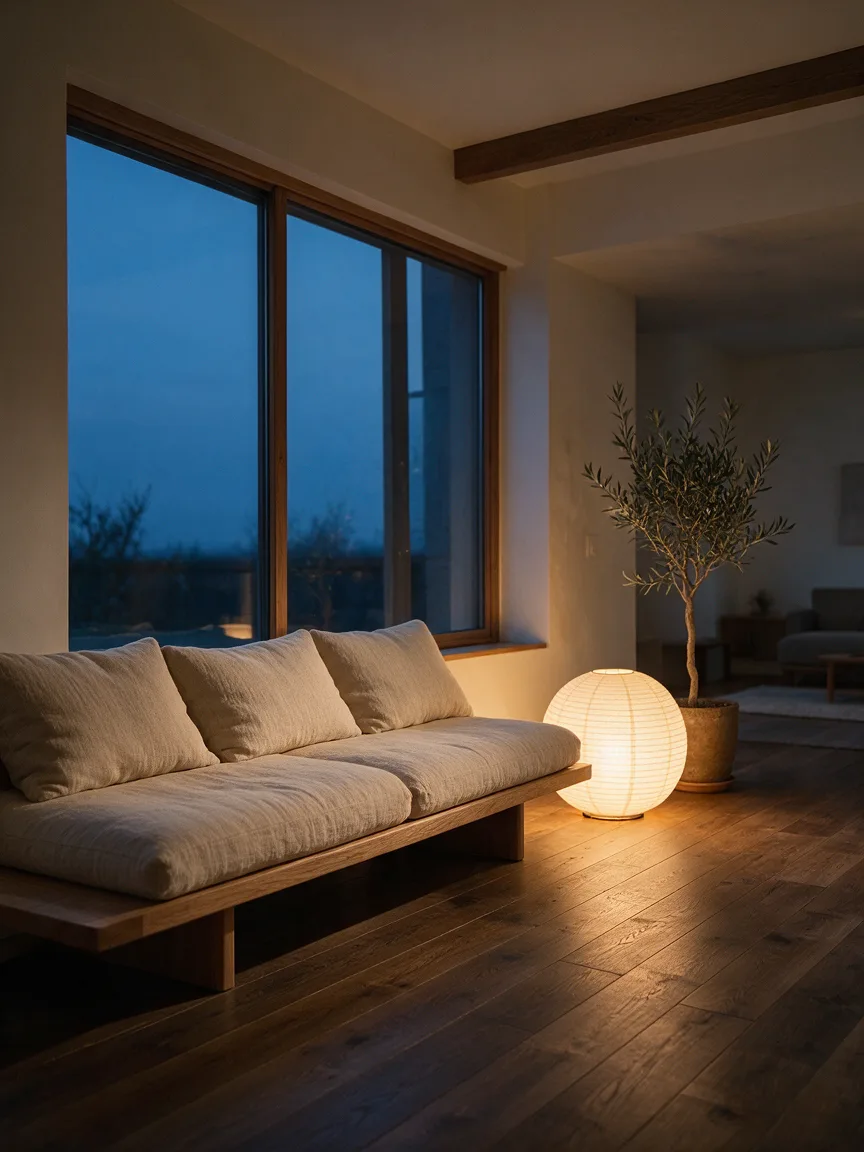
Take a photo of your room, name a style, and Seedream 5.5 redesigns it while keeping the walls, windows and layout. See Japandi, Scandinavian or industrial versions of your own space before you buy furniture or paint.
Resolution
Aspect ratio
Sign up with Google to get free trial credits. No card required.
≈ 10 credits for this image
Credits are used only when an image is generated. If generation fails, they're returned automatically.
Use only content you have the right to submit. Review the Terms, including Acceptable Use, and report safety or abuse issues.
Task
Generation status
 Preview · 1:1 · 1K
Before you start
- 1Lead with the subject, then the setting, light and style, e.g. "ceramic mug on a walnut table, morning window light".
- 2Editing a photo? Say what to keep and what to change, e.g. "keep the product, replace the background with white marble".
- 3Want words in the image? Put the exact text in quotes, e.g. headline "Summer Sale".
Examples
Prompts you can use right away
Click one to drop it into the generator above, then replace the details with yours.
“Redesign my living room in Japandi style, keep the windows where they are.”
“Make this empty bedroom cozy with a wooden bed and warm lamps.”
“Show my kitchen with white cabinets and a marble island.”
Use it for
What people use AI home design for
Before buying furniture
See a new sofa, rug or table in your own living room before you order it.
Choosing a style
Compare Japandi, Scandinavian, industrial and mid-century versions of the same room side by side.
Renovation planning
Preview new cabinets, flooring or wall colours to talk through with a builder or partner.
Selling or renting
Show buyers or tenants what an empty room could look like once it is furnished.
How it works
Three steps, about a minute
- 1
Photograph your room
Stand in a corner and shoot wide, in daylight. JPEG, PNG or WebP up to 5 MB.
- 2
Name the style
A style plus two or three key pieces, for example "Japandi, low oak sofa, paper lamp".
- 3
Generate and compare
Generate a few versions in 1K, then make your favourite in 2K.
Compared with
How it compares with other ways to plan a room
- An interior designer
- A designer brings experience and a full plan, but it costs a lot and takes weeks. Use this to try ideas first and bring the ones you like to a designer.
- Mood boards
- Pinterest boards show other people's homes. Here you see the style in your own room, with your own windows and layout.
- 3D room planners
- 3D planners are accurate but slow to set up, and they rarely look like a photo. Here one photo and one sentence give you a realistic picture in about a minute.
Tips
Get a better result on the first try
Say "keep the walls, windows and floor plan" so the room stays recognisable.
Name materials and colours ("light oak, beige linen, matte black") rather than only a style name.
Empty rooms work too: describe the furniture you want and where it goes.
FAQ
Questions people ask
Is the AI home design tool free?
Google sign-up gives you free trial credits. After that, each 1K design costs 10 credits and each 2K design 16.
Will it keep my room's layout?
Ask it to keep the walls, windows and floor plan in your prompt. A wide, straight photo taken in daylight gives the most faithful result.
Can it design a room from scratch?
Yes. Switch to text to image and describe the room, the style and the furniture.
Which rooms does it work for?
Living rooms, bedrooms, kitchens, bathrooms, home offices and outdoor spaces such as balconies and gardens. A wide photo of the whole room works best.
Are the furniture and sizes accurate?
Treat the result as a visual idea, not a floor plan. Check the real measurements of any piece before you buy it.
More use cases
Other things you can make

Outfit Changer
See yourself in any outfit — same face, new look.
Try it
Poster Maker
A ready-to-print poster with your headline spelled right.
Try it
Background Changer
Drop your photo into any place — lighting matched, no cut-out edges.
Try it
Product Photos
Studio-quality product shots from a phone photo.
Try it
Headshot
A LinkedIn-ready headshot from one selfie, no photographer.
Try it